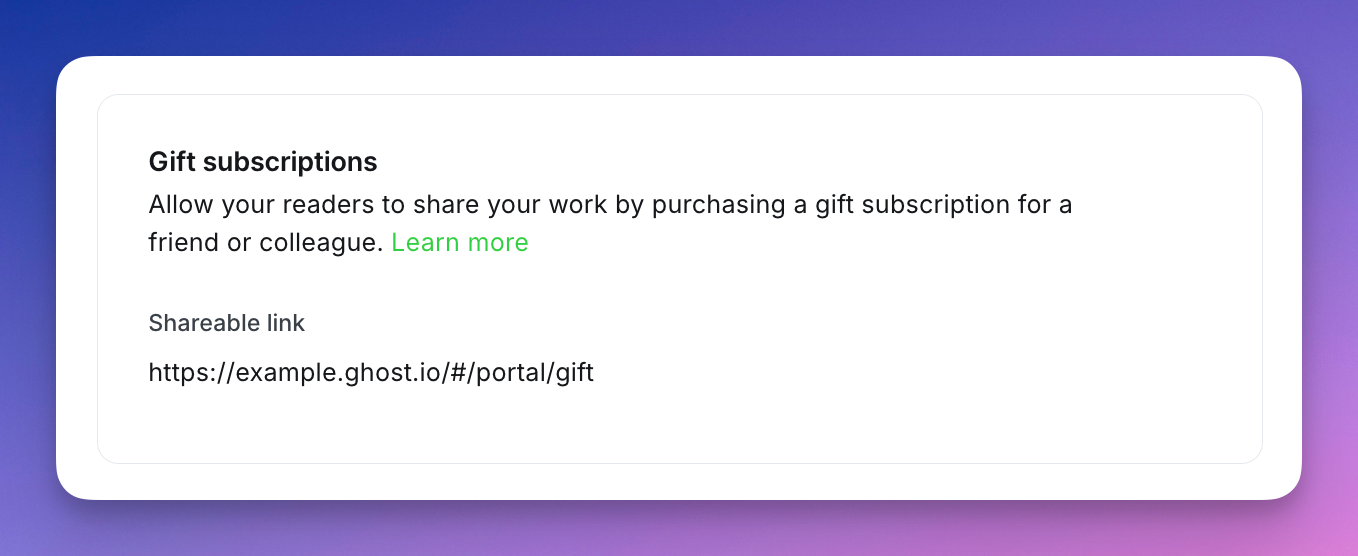
Ghost generates a gift link for your publication automatically. You can find your gift link in the Settings → Membership → Gift subscriptions area within Ghost Admin, only when Stripe is connected to your publication. This link can be shared anywhere (posts, pages, newsletters, and elsewhere) to offer an option for individuals to gift paid access to your site.
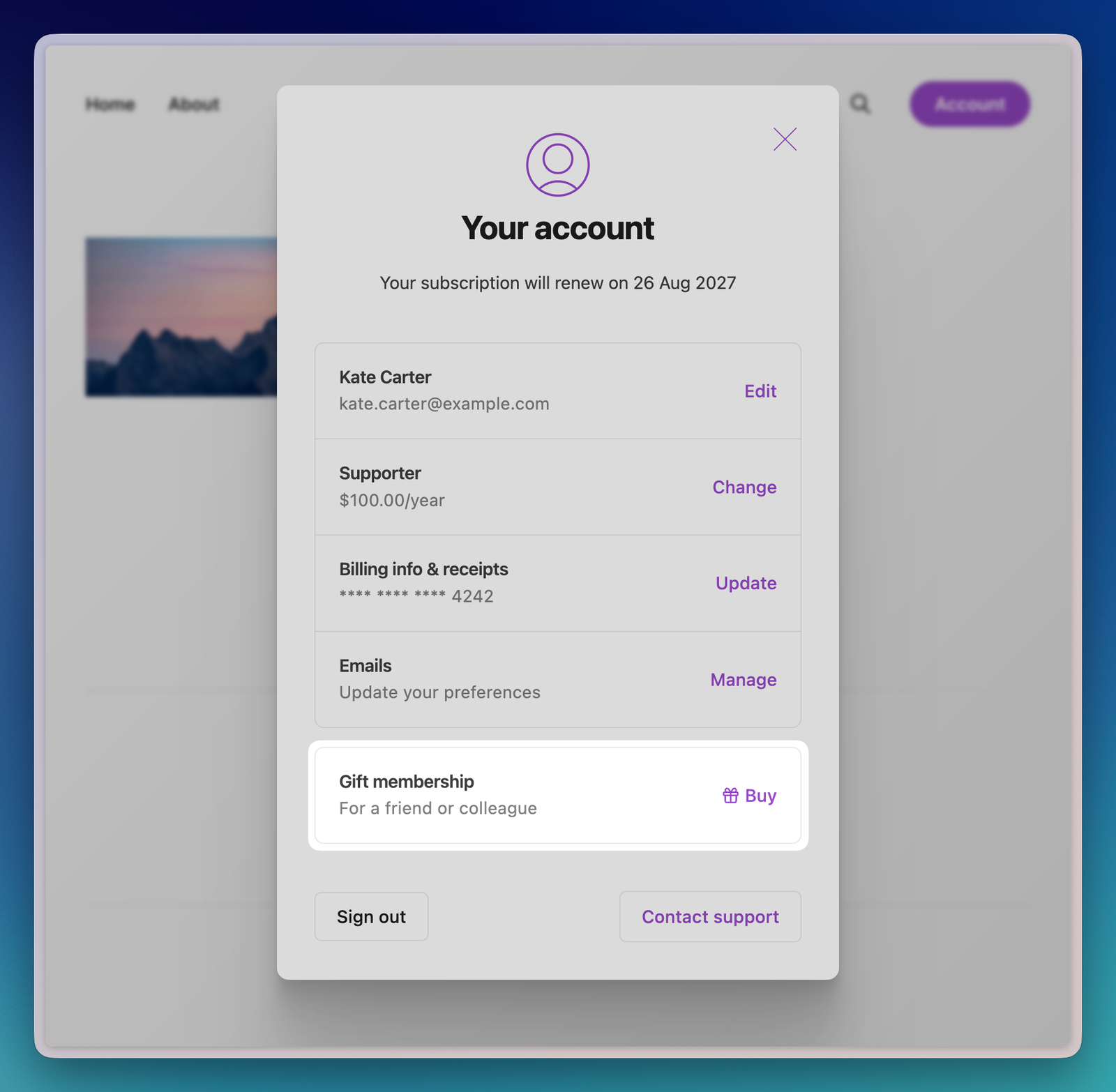
Gift subscriptions can also be purchased directly from a member account within Portal (for paid members), as well as on the Portal signup page tied to your publication (for public and free members). This option is enabled in Portal automatically, and can be disable at anytime from the Settings → Membership → Signup portal area within Ghost Admin.
Sending a gift subscription
Share your gift link with anyone you'd like to be able to gift a paid membership.
To gift a membership
- The gifter will enter in their name and email address
- Select the gift duration — 1, 3, 6 months, or 1 year
- Select which tier to gift, then continue to delivery details
- Enter in the name and email address of the individual being gifted the subscription
- Complete checkout
The gifter can choose to share the gift redemption link personally, or they can decide to have Ghost send the gift link automatically (now, or at a scheduled date), along with a personalized message.
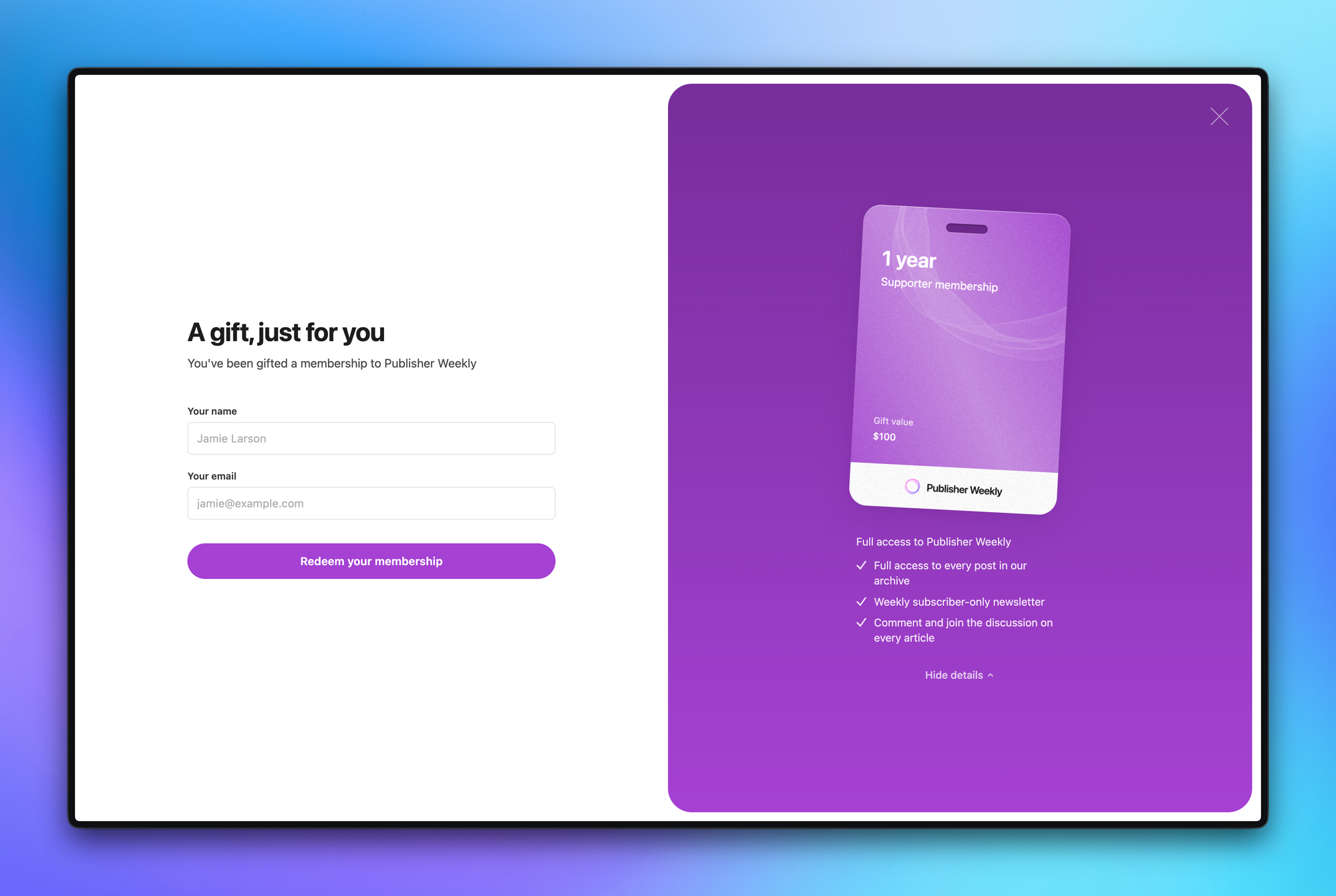
When the recipient clicks through the link, they can enter their name and email address to confirm their member account, without needing to enter in credit card information.
Tracking gift memberships
When a gift subscription is purchased or redeemed, you can track this activity within Ghost Admin:
- Staff email notifications
Opt in to get notified by email every time someone purchases or redeems a gift subscription (email notifications can be managed from your Staff user profile) - Paid member analytics
New gift subscribers show up in your paid member metrics, giving you a complete picture of how gifting is contributing to your growth mix. - Member filtering
Filter your member list bymember status,isandgift subscriptionin the Members area, to segment or analyze those on active gift subscriptions.
Gift Subscription FAQ
Who can purchase a gift subscription?
Anyone. Individuals don't need to be existing member of your site to purchase a gift subscription. All they need is a valid payment method.
Who can redeem a gift subscription?
Gift subscriptions can be redeemed by new visitors to your site and by existing free members who want to upgrade to paid access.
Members who already have an active paid subscription cannot redeem a gift at this time. If someone with a paid subscription tries to use a gift link, they'll see a message explaining that the gift isn't available for their account.
Can a member have multiple gift subscriptions?
No. A member can only have one active gift subscription. They can't stack multiple gifts.
When do gift subscriptions expire?
Gift subscriptions which are sent automatically to an individual must be redeemed within 365 days of the scheduled delivery date. If the recipient doesn't redeem the gift within that window, it expires and can no longer be used.
Gift subscriptions which are sent personally (e.g. you choose to share the redemption link yourself) will expire 365 days from the purchase date.
Can gifts be refunded?
If a gift subscription expires without being redeemed, or if the buyer purchased a gift that the recipient can't use (for example, the recipient already has a paid subscription), the buyer can contact you to request a refund.
You can issue refunds directly through your Stripe dashboard. When you process a refund in Stripe, Ghost automatically updates the gift status to refunded. There are no automatic refunds for expired gifts. This gives you control over your refund policy.
What if someone buys a gift for a tier I've since archived?
The gift can still be redeemed. The tier was available when the gift was purchased, so it will be honored at redemption time.
Can I disable gift subscriptions?
There's no toggle to turn off gift subscriptions in Ghost, but the option to purchase gift subscriptions in Portal can be disabled from the Settings → Membership → Signup portal area within Ghost Admin.
Additionally, if Stripe isn't connected to your publication, the gift page won't be available.