On Ghost(Pro) you can activate a custom domain you own with your publication, OR, if you don’t already have a custom domain you can purchase one directly from the Ghost(Pro) → Domain area within Ghost Admin.
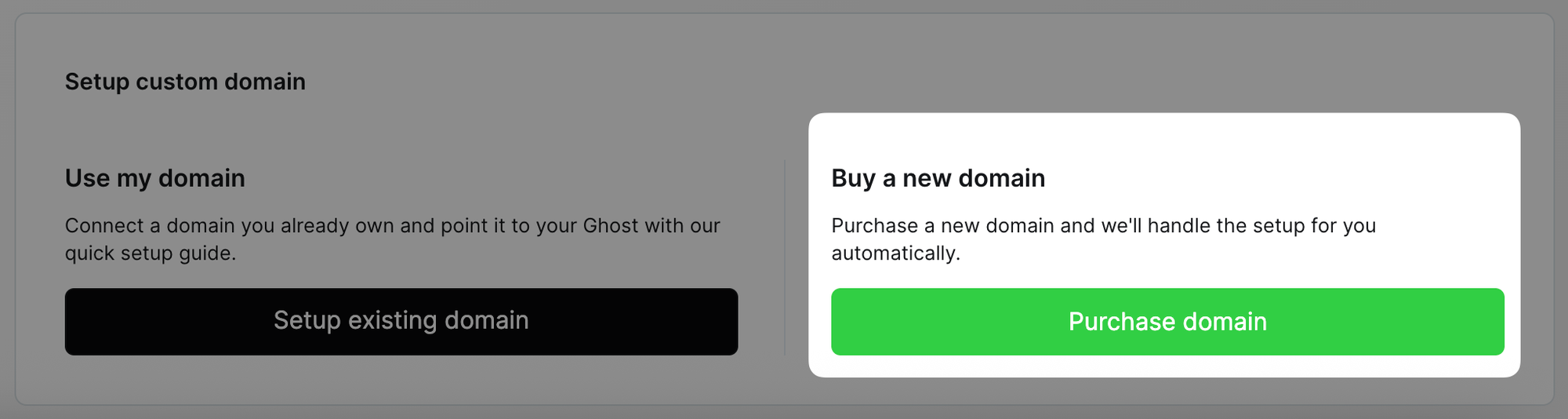
To purchase a brand new domain, while logged in as the publication owner user, go to the Ghost(Pro) → Domain area within Ghost Admin, and click the Purchase domain button.
Next, search for the domain name you’d like to purchase to ensure it’s available:
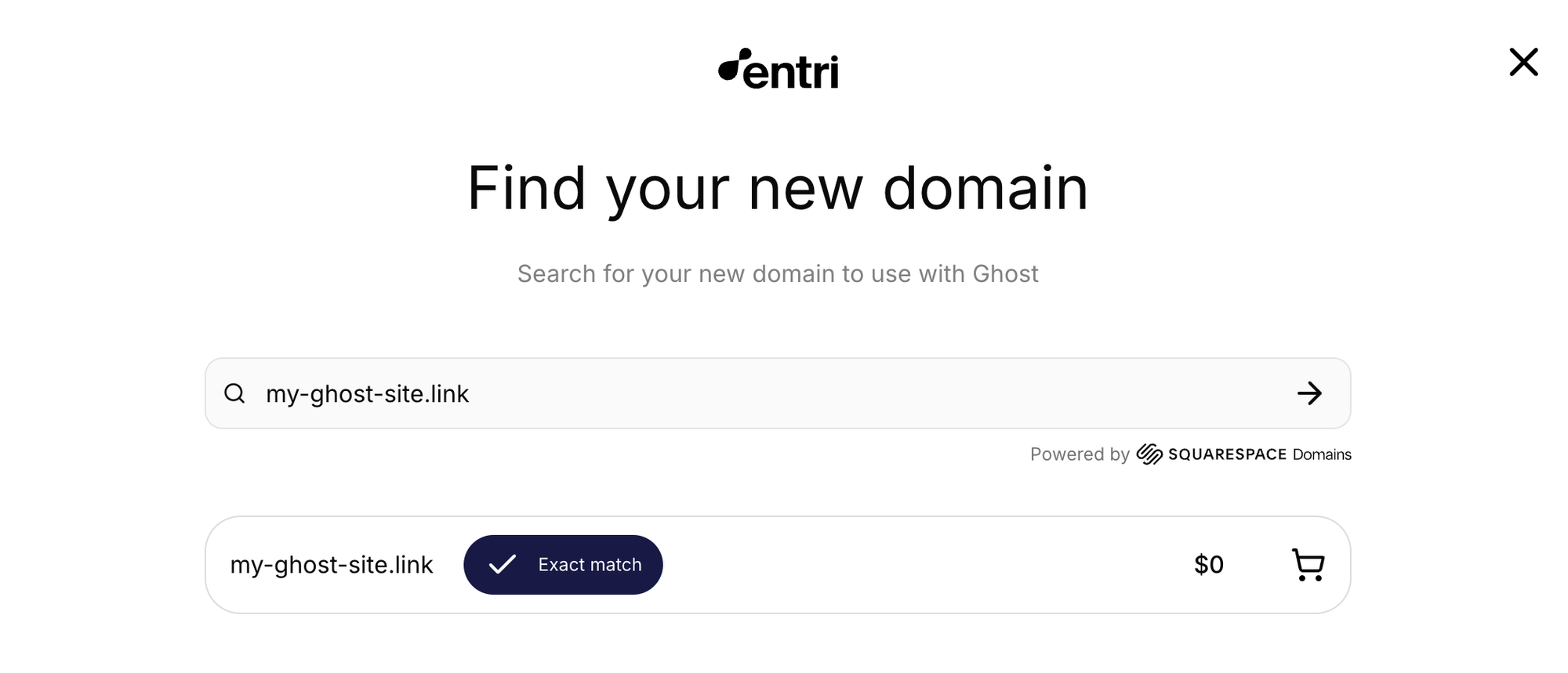
Once you’ve found the domain name you’d like to use, click on the shopping cart icon to complete the checkout process to purchase your domain.
During the checkout process, you will need to enter in your information, ensuring that the email address used for your domain is correct, as this will be the email address used to manage your domain via Squarespace in the future if needed.
When purchasing a domain on Ghost(Pro), the DNS records for your domain will be automatically configured for you, and the custom domain will be activated with your site automatically.