Ghost allows you to setup automated welcome emails for both free and paid members when they signup to your publication.
Welcome emails can be enabled from the Settings → Membership → Welcome emails area within Ghost Admin.
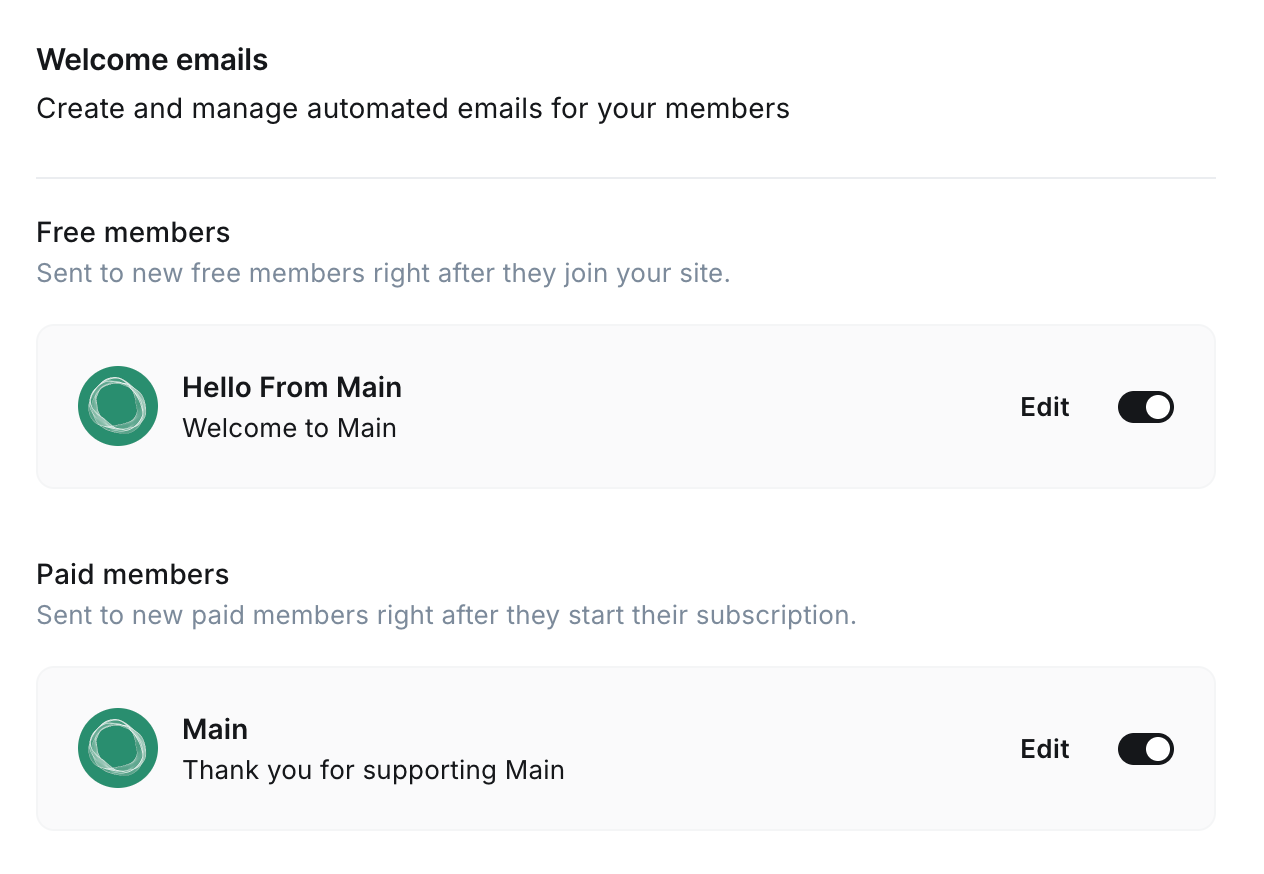
Customizing welcome emails
Once enabled, new subscribers will receive a welcome email when they signup to your site. These can be tailored for free members, as well as paid members (if you have paid membership enabled).
To customize your welcome emails, click Edit from the Welcome email area in Ghost Admin.
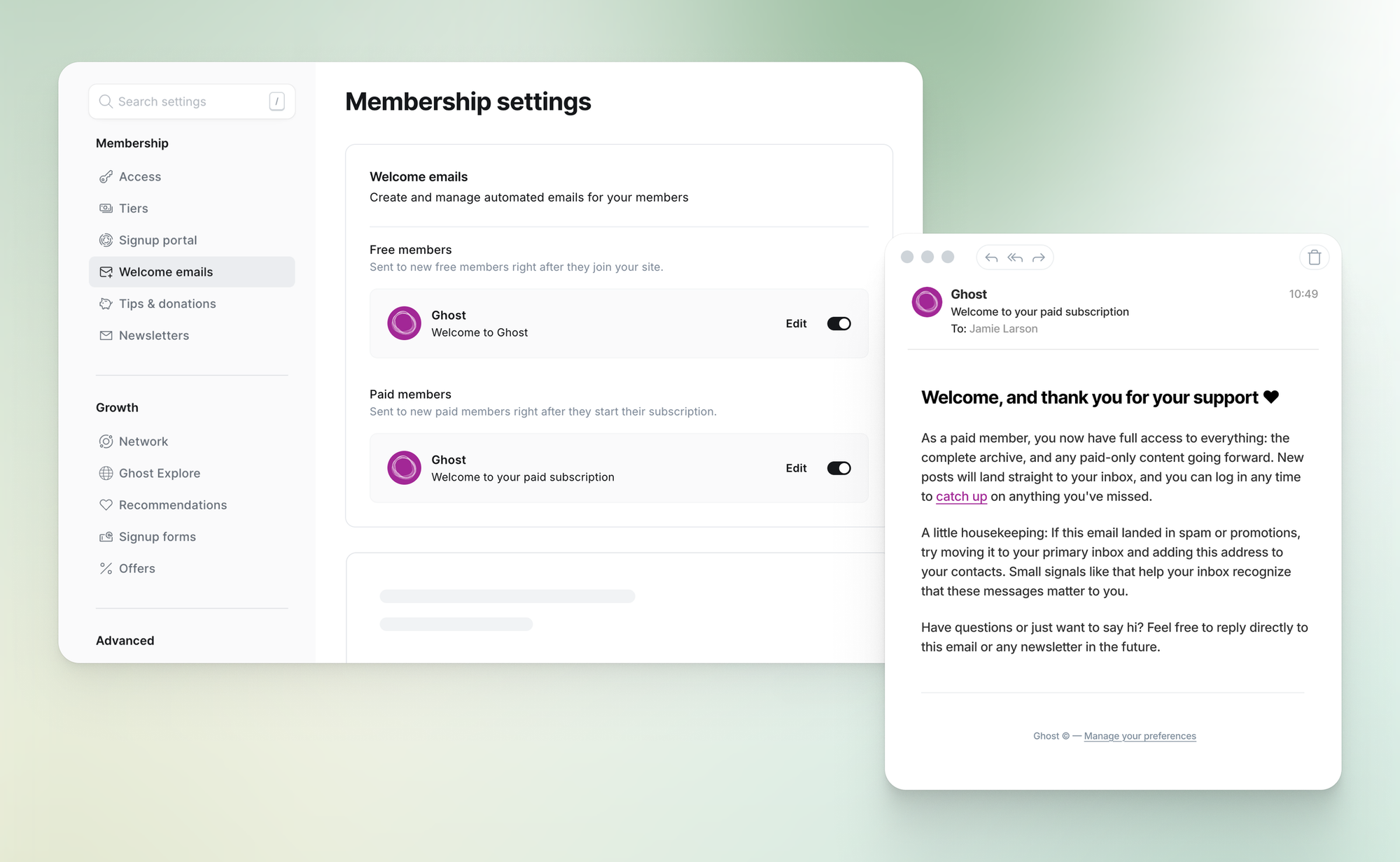
When setting up your welcome emails, you can use a custom subject line, as well as custom content, allowing you to personalize your member's experience, using your own voice and branding.
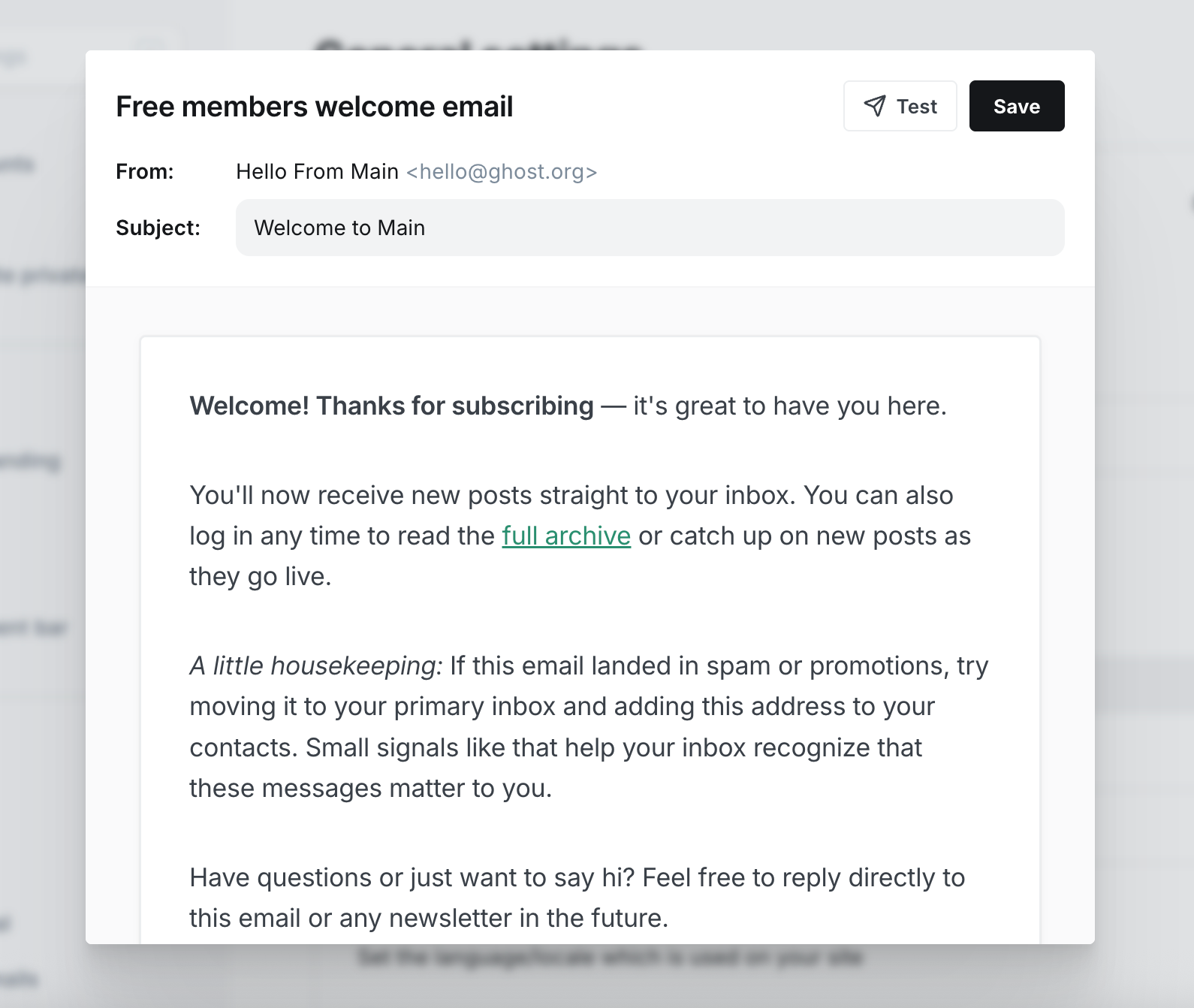
When finished making changes to your email, you can send a Test welcome email to your email address to review, as well as Save your changes.
Welcome emails FAQ
What happens when someone new signs up with a paid subscription right away?
The member will only receive the paid welcome email.
What if I only have the free welcome email enabled and someone signs up to a paid subscription right away?
The member won't receive a welcome email. The free member welcome email only goes to free member signups on your site, so if someone signs up immediately as a paid member, the welcome email will not be triggered.
What happens if someone signs up as a free member, then upgrades to a paid subscription a few minutes later?
The member will receive both welcome emails. The free member welcome email is sent after signup, and the paid welcome email is sent after the member upgrades to a paid tier.
What happens if someone signs up for a free trial, but doesn't convert?
The member will receive the paid welcome email when they start the trial.
What happens if a paid member cancels and then signs up again at a later date?
If the member continues their existing subscription before it expires, they won't receive another welcome email. If they start a new paid subscription at a later date, they will receive a new paid welcome email.
What happens if a member upgrades or downgrades their existing paid subscription?
The member will not receive another paid welcome email.