✔️ Checking yourself
Having all of your ducks in a row 24/7 isn't easy. There's lots of quacking, slippery floors, and just feathers everywhere. Until someone finds a way to keep lots and lots of loud, wet birds in a perfectly straight line, there are checklists. Yes, the tried-and-true method of creating an organized task list is still, you guessed it, tried and true. All the major industries of the world use checklists, and if you want your publication to be just as major, it's time to check this one off your list.
In this week's issue 📨
- Creating newsletter checklists
- The best to-do list apps
- Why checklists are so essential
Was this email forwarded to you? Subscribe here!
Check!

The most successful publishers have one thing in common: they're consistent. How do they do it? Checklists. That's right. They're not just for groceries and Santa Claus, my friend. They can be used for so much more. If you want to publish the highest quality content possible on a regular basis, the magic of pre- and post-publishing checklists will be your secret weapon.
Let's take a look at some newsletter checklists that can help you juggle all of the moving pieces of publishing. (Here's the actual checklist.)
Pre-publishing - Part 1
- First, review your content goals to ensure your work aligns with your content strategy. Who is it for, and is it a good fit for your brand? Once you've answered the important questions, use a writing tool like Grammarly to make appropriate edits and style choices. Read your edited drafts aloud to help your ears catch any errors your eyes didn't.
- Now that you have a good grasp on what your article is about and what you're trying to say, use your favorite note-taking app to brainstorm a handful of headlines. Once you've picked a smart and crisp title, it's time to get your article ready for publishing using your favorite web editor or CMS, like Ghost. If you're using other writing tools, we have integrations for that.
Pre-publishing - Part 2
- When formatting your newsletter or article, make it as readable as possible by using headers, bold text, bullets, and blockquotes. But don't go too crazy! Make it clean, not chaotic. If you haven't already, gather all the visuals you need, like images, videos, and infographics. Then, enter all your metadata so search engines can pull the right information.
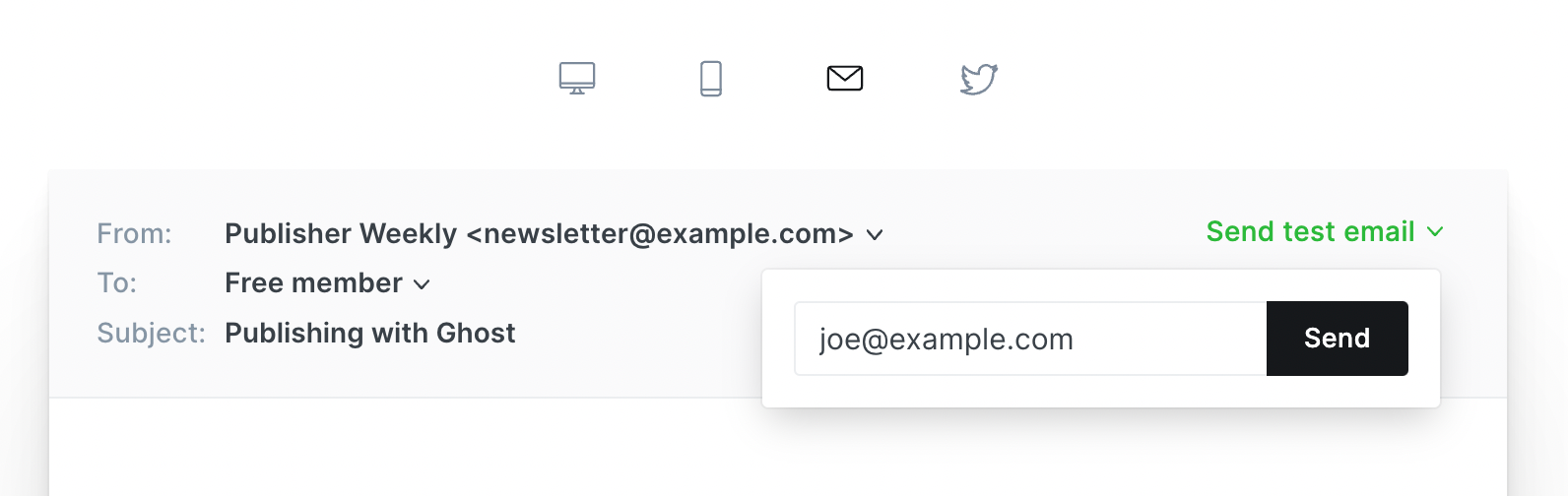
- Give your content one last look before posting to ensure everything's edited, organized, and optimized to your brand's standards. Preview your work to review spacing, sizing, and readability, so you can see what your subscribers will see. The final step is to send or schedule to the correct audience before starting on your post-publishing checklist.
Post-publishing - Part 1
- The first step after publishing content is to draft a few social media posts so you can prepare to share your work with the rest of the world. Having ready-to-go copy you can use right away will ensure your followers don't miss out on anything new. Try including an excerpt from the article itself, a question the article answers, or using some of the same media.
- Be strategic about which communities you choose, like Reddit, Facebook, or TikTok, when sharing your posts. Sure, you can present your work to your existing followers, but how do you gain new eyes? Post in specific circles and interact with members to build connections. Participating in existing communities will help you organically grow your own.
Post-publishing - Part 2
- If you've mentioned a peer or expert in your post, like a quote or article reference, make sure to tell them! Who doesn't love being recognized? Consider sending them a short message thanking them for their work and asking if you can share what you've written. If they're active on social media, tag them. This is a great way to start networking within your niche.
- Some final steps include transforming your written content into other formats, like audio and video. Repurposing your content saves time, extends its lifespan, and expands your reach. Once you've posted all you want, analyze the results using analytics tools to see what's worked and what hasn't. We have integrations for that, too.
Interesting stories & ideas 📚
- Journalism isn't dying – One Man & His Blog
- The biggest newsletter advice – Newsletter Circle
- New York Magazine revives classified ads – Nieman Lab
- What digital audiences want in 2026 – Scan Club
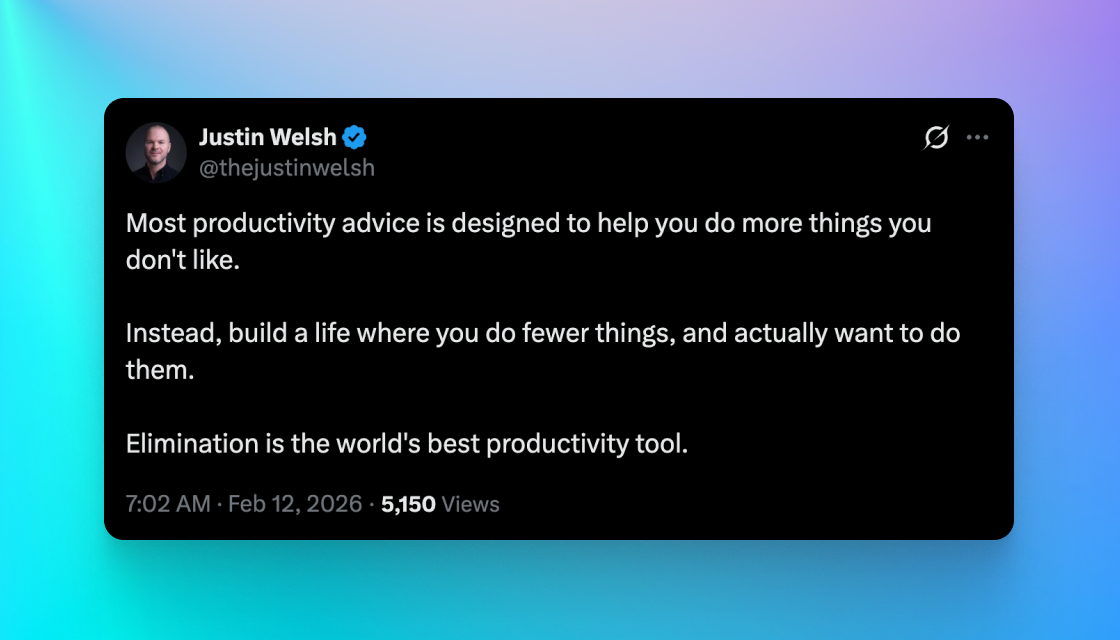
- Being a purple squirrel – Justin Welsh
Cross it off
Managing tasks is super personal, and building the healthy habit of creating checklists can take a lot of trial and error. That's why the perfect checklist app is so crucial. If a certain tool just doesn't feel right, you won't use it. If you're craving a bit more depth for your to-dos that your mobile device's default notes app just doesn't satisfy, we've got you covered.
Harry Guinness, a writer for Zapier, shares some of the best checklist apps so you can make your task life much less complicated.
#1 Todoist is a great web app that balances power and simplicity. It's available on every platform and is best for language processing that quickly generates lists.
#2 TikTik is useful for embedded calendars, timers, and organizing personal projects and tasks so you can tackle everything in your life.
#3 Microsoft To Do is for the Windows power users out there who want an app that works well with Microsoft's ecosystem. (It does shine on Mac and iOS too.)
#4 Notion is the go-to if you want a note-taking app that can do it all. And if you manage a team, its collaboration features are some of the best in the business.
#5 Reminders on Mac and iOS is a no-brainer if you want a checklist app that's already there and works brilliantly. It's a classic for a reason.
#6 Things for Apple platforms is a task manager that's a step up from Reminders. It's highly praised in the industry for its complex yet minimalist design.
#7 Google Tasks lives right inside the sidebar of Google Calendar and Gmail. If you use Google apps daily, this might be your bread and butter.
#8 Any.do is a checklist app for people who don't have time for checklist apps. You can add quick tasks, organize them, and set a due date. Voila!
Reality check

Someone in every profession uses checklists, so harnessing them to help run your publication should be no different. Ever heard of a post-surgery or pre-flight checklist? They're important! Sure, you may not be performing open-heart surgery or flying a big metal tube full of people in the sky, but finding ways to sustain your business using the right tools is important stuff, too.
The team at Indeed explains why using daily checklists is essential for achieving your goals and even boosting your mental health.
‣ You want to keep your content creation consistent, and increasing your productivity with a solid checklist is a sound way to do it. You'll be able to easily decide which tasks need tackling first, so you can stay organized and save time all in one go. The more productive you are, the more quality content you can create.
‣ If you have too many tasks to remember all on your own, a checklist can help you visualize your tasks outside of your jumbled mind. The act of physically crossing something off a list can make you feel lighter and keep you motivated. Lack of motivation is one of the biggest content creation killers.
‣ Getting into the habit of creating and completing a daily checklist can help improve short-term memory and retain more information. You can then graduate to weekly, monthly, and quarterly long-term goals to help you plan for the future and change course quickly if needed.
‣ Clutter is stressful, and checklists help reduce clutter, which in turn reduces stress! It'll also help you avoid overcommitting, so you don't overwhelm yourself with lots of tasks in one day. Use a to-do list to organize and prioritize tasks by importance, so you know where to start first.
‣ Accomplishment is one of the major emotions we're going for here when we encourage checklist usage. When you feel more accomplished, you're less anxious. When you're less anxious, you're less stressed. When you're less stressed, your mental health improves, and you love what you do even more.
‣ Remind yourself that checklists don't always have to be for work, they can also be for play. Creating a personal checklist for things outside of your business life can help ensure you're taking time for yourself and not just focusing on making a living. What's the point of hard work if you can't enjoy it?
Curator's pick ✍️
Enjoy this newsletter? Forward to a friend or hit reply to share your thoughts. We don't bite! 👻
Want more how-tos? Search our library of tutorials and subscribe to our monthly "Build with Ghost" newsletter.
Join our Ghost Creator Community! Connect with like-minded people who create content professionally — apply here.