Automation analytics
Since the automations beta launched, you've told us you want to know more about what's working (and what isn't). Are your welcome flows running? How many members entered each one? Did they make it to the end, or drop off along the way?
We recently added analytics for every email in your welcome flows, so you could see how each message performs. Now Ghost shows what's happening across each flow too, right down to every member who's passed through it.
Stats at a glance
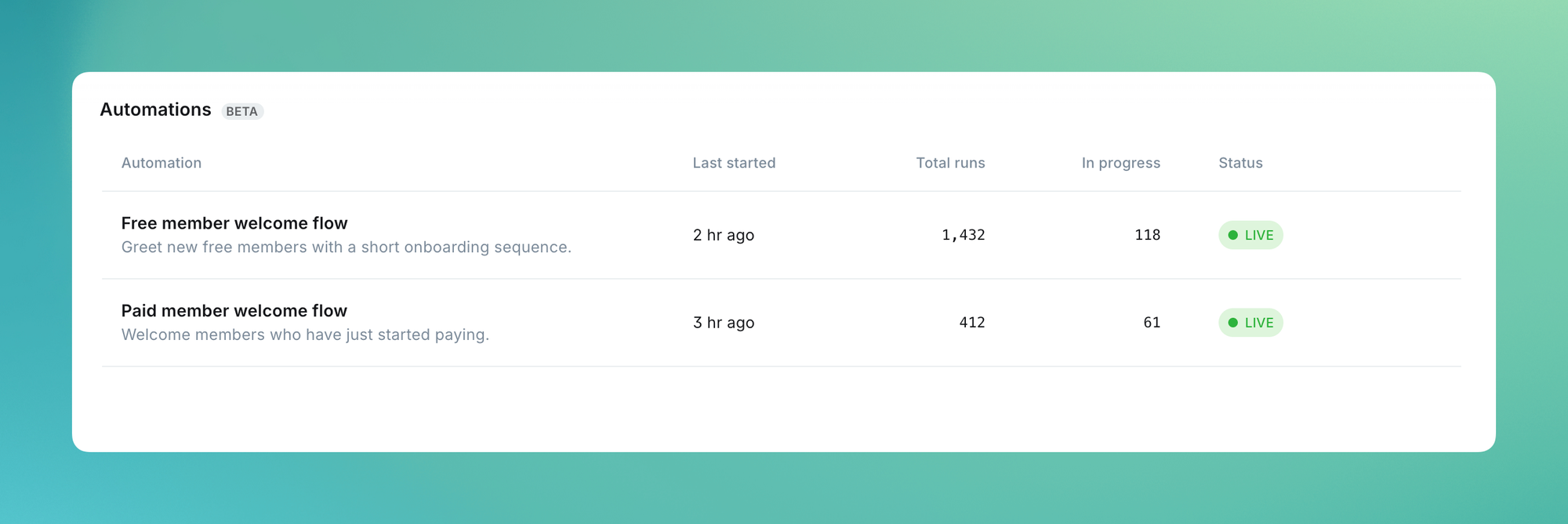
The automations tab now shows you when each flow last triggered, how many times it’s ran, and how many people are in progress right now, so you have confidence everything is running smoothly.
Performance for each flow
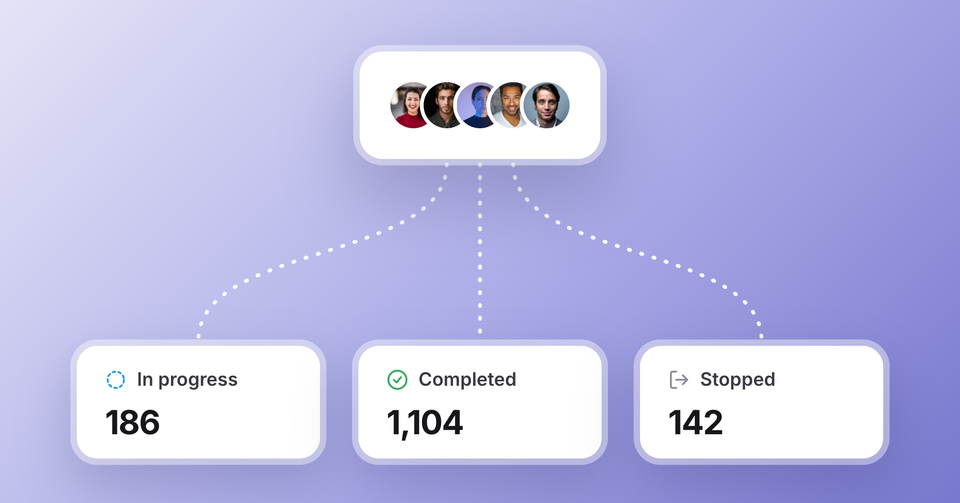
Open any welcome flow to see how many times it’s run over time, plus how many members are in progress, have completed, or stopped the automation early, so you know whether people are sticking around or dropping off before they finish your onboarding.
To dig in further, filter by date range to see how a recent launch or promotion changed things, or search for any member to view their entire journey directly on the automation canvas — which steps they completed, when each email went out, and what's coming next.
Automations are currently in beta. To try them, enable Automations in Settings → Labs.
This is another iteration as we build toward a broader automation suite in Ghost, with your feedback directly shaping what we prioritize next. Use the feedback button in the left sidebar of Ghost Admin to let us know what you'd like to see from here.
Ghost(Pro) users can log in and start enjoying all of this right away! If you're a developer, self-hosting Ghost, you'll need to update to the latest version to get access to everything that's new.