Custom fields

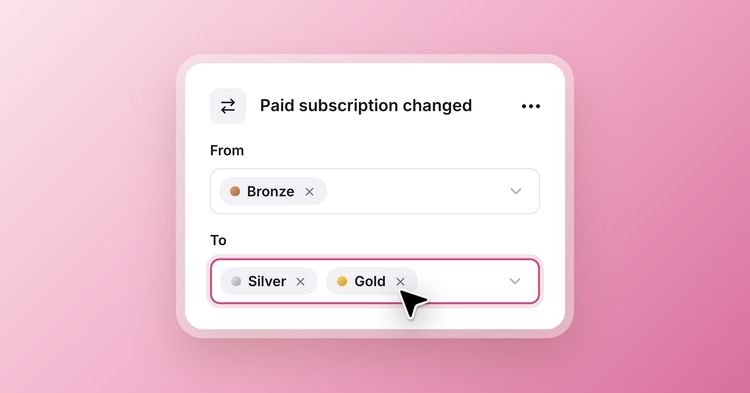
A name and an email only tell you so much. You’ve told us you want to store more information about your members: a B2B newsletter wants to know which companies read it, a local newsroom which neighborhoods its readers live in, and a community might group its members by the topics they follow.
Starting today, custom fields give that information a home on each member’s record, alongside everything else Ghost knows about them.
Fields for what you care about
Every publication needs to know something different about its readers. Add a field for whatever yours needs, whether that’s a full address or a list of your own choices. Head to Settings → Custom fields to get started.
Readers keep it current
Every field starts out private, visible only to you and your team. Make a field public, and members can see it and fill it in from their profile in Portal. People move and change jobs, and they’ll know before you do.
Need details from your members? Grab the profile link from Settings → Portal → Links and share it in an email, a post, or anywhere else to invite them to fill in their own information.

The right members at a glance
As the details come in, filter your members list by any field and see them right beside each name. Find everyone in the next town over, or anyone still missing a job title. Save the view for next time, or open any member for the full picture.
Bringing in what you already have
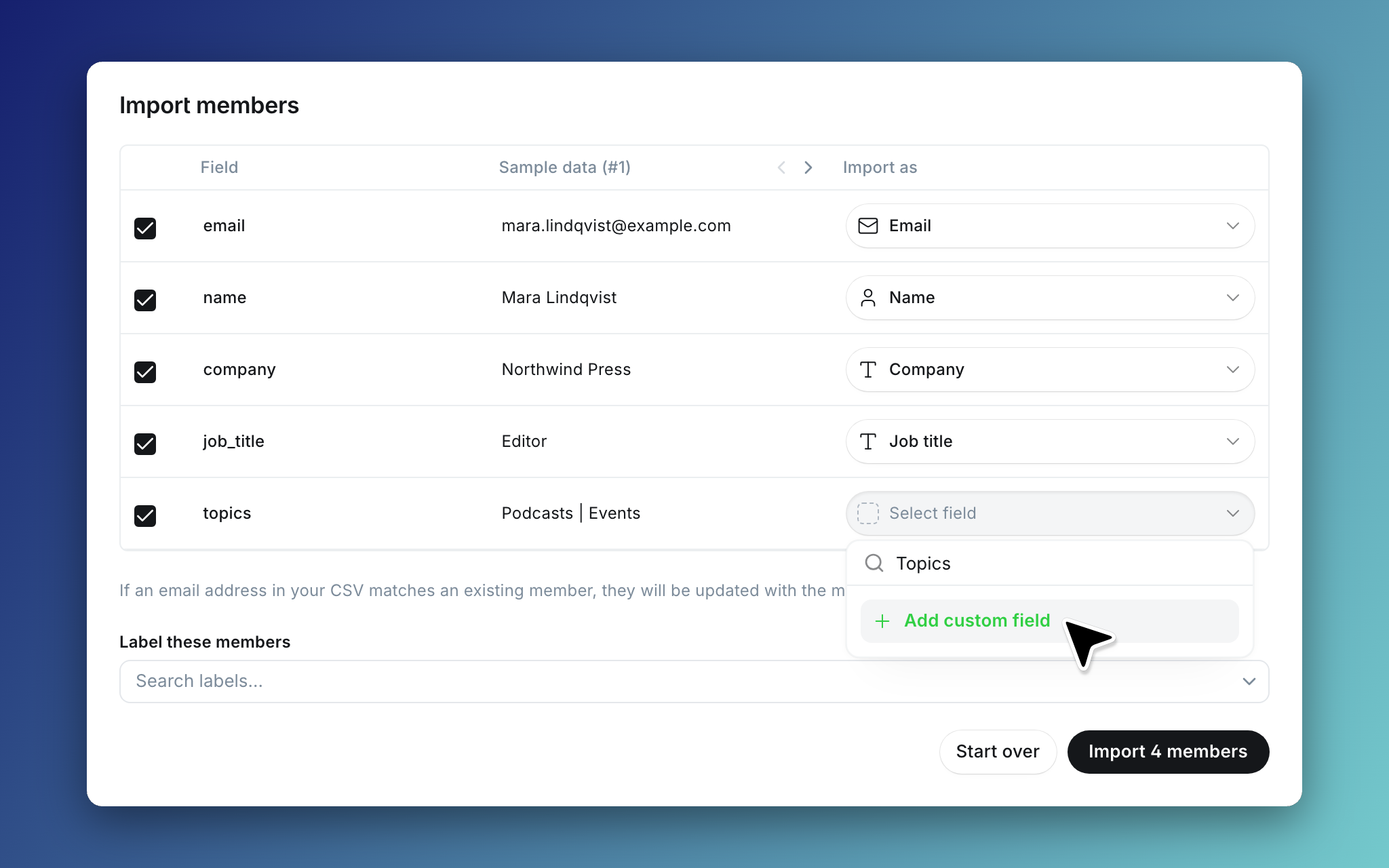
Maybe you already collect and store these details somewhere else, whether that’s a spreadsheet or a CRM. Now you can bring it all into Ghost. Drop a CSV into the members importer and match its columns to your existing custom fields, or create new ones as you go.
Members already in Ghost are matched by email and updated rather than duplicated, and empty cells leave what you already have untouched.
Still collecting details through a form or another tool? Custom fields work with the Admin API and Zapier, so the tools you use today can read and write them too.
This is just the beginning. We’re building on custom fields with more ways to collect and use member details, right inside Ghost. What else would you like to do with them? Let us know using the feedback link in the left sidebar of Ghost Admin.
Ghost(Pro) users can log in and start enjoying all of this right away! If you're a developer, self-hosting Ghost, you'll need to update to the latest version to get access to everything that's new.