Welcome email design settings
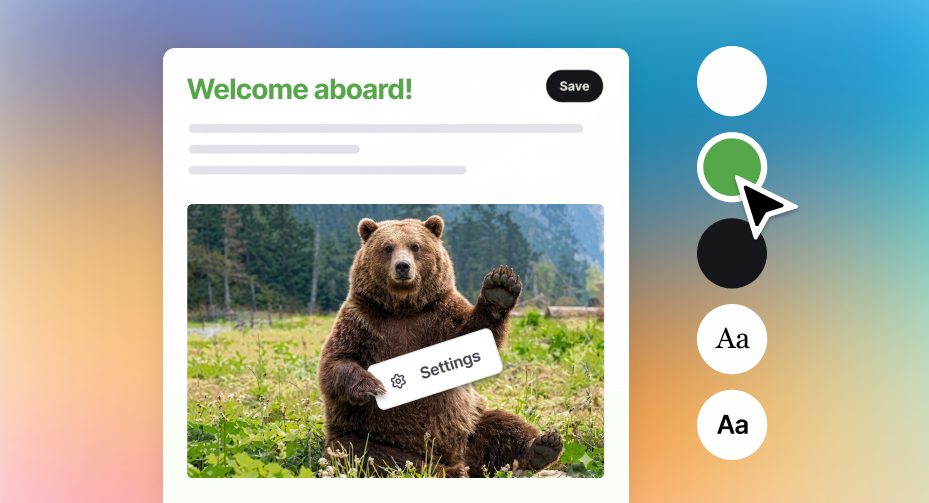
You've already spent time getting your newsletters to look and feel like you, and now your welcome emails can match.
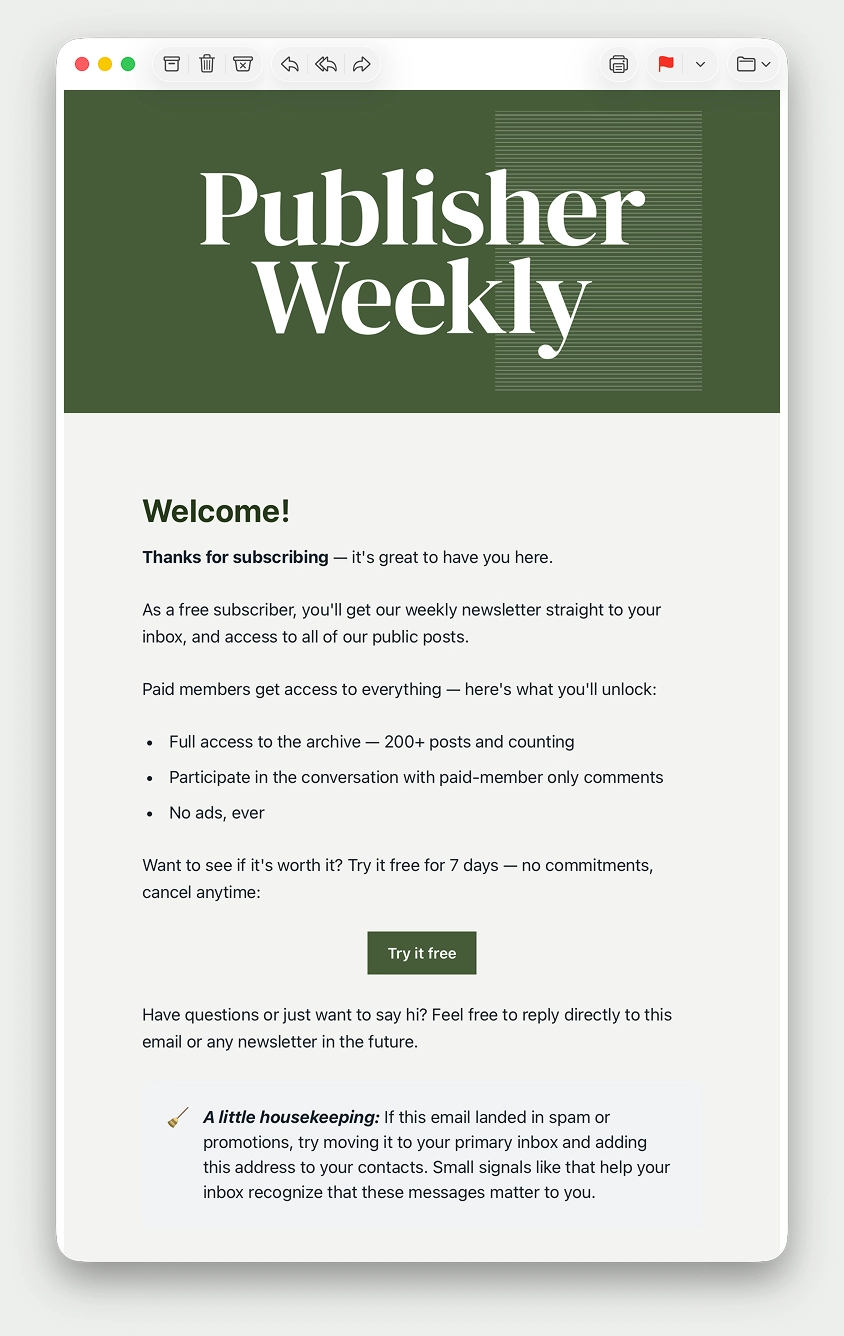
The welcome email template can now be customized using all of the same design controls as newsletters – colors, typography, buttons, logos – so your brand stays consistent across every touchpoint with your readers, whether on your site, in your newsletters, or when welcoming new members of your audience.
Based on your feedback, you can also set the sender name and reply-to address for welcome emails separately from newsletters, ensuring your messages arrive from the right person, and replies from your readers land in the inbox you want.
Customize your template once, and it applies across all your welcome emails. Head to Settings → Welcome emails → Customize to get started.
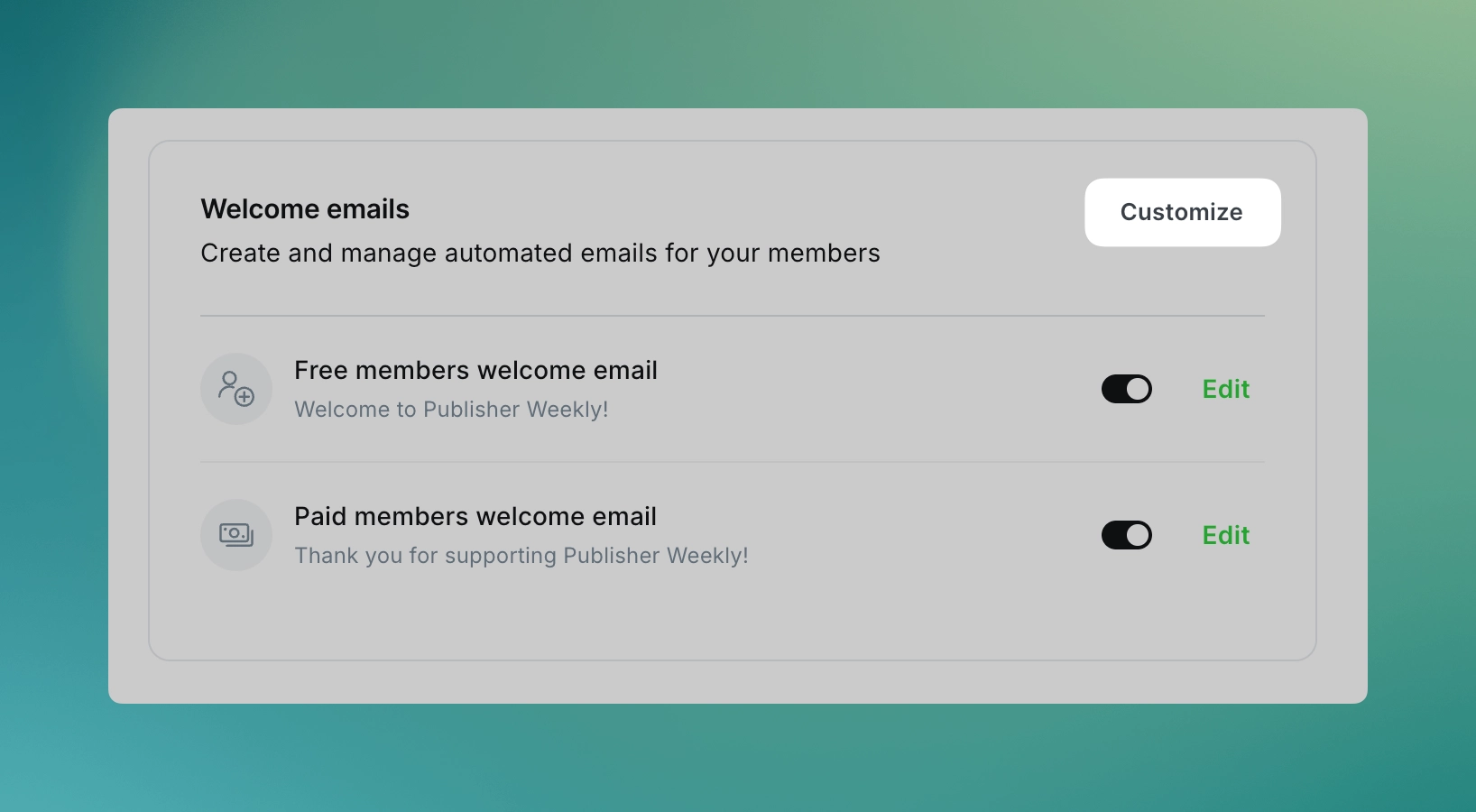
This is another iteration as we build toward a broader automation suite in Ghost, with your feedback directly shaping what we prioritize next.
Ghost(Pro) users can log in and start enjoying all of this right away! If you're a developer, self-hosting Ghost, you'll need to update to the latest version to get access to everything that's new.
If there are ways you think this feature could be more valuable based on the way you use Ghost, we’d like to hear it. Let us know using the feedback link in the left sidebar of Ghost Admin.