Stripe Checkout customization
Your publication should look and feel like you, from your homepage to your newsletters. Checkout shouldn’t be any different.
Until now, styling your Stripe checkout page meant a trip to the Stripe dashboard. Now you can do it without leaving Ghost.
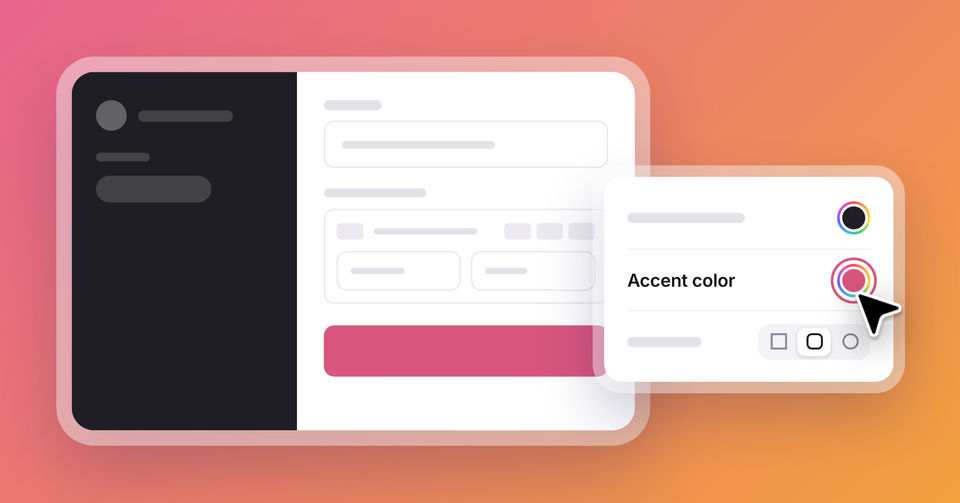
Starting today, your brand colors are one click away, so checkout can match your site from the background to the pay button. Round the corners or keep them sharp, pick a font that fits your voice, and see every change in a live preview before readers do. Head to Settings → Tiers → Checkout to get started.
Set it up however makes sense for your publication. Your new design only applies to Ghost’s checkout pages, so if the same Stripe account takes payments for a shop or another site, nothing changes there.
Ghost(Pro) users can log in and start enjoying all of this right away! If you're a developer, self-hosting Ghost, you'll need to update to the latest version to get access to everything that's new.
If there are ways you think this feature could be more valuable based on the way you use Ghost, we’d like to hear it. Let us know using the feedback link in the left sidebar of Ghost Admin.