Native share buttons

In the past, adding share buttons to a Ghost site meant writing custom code in your theme.
Now, Ghost has a native share flow built in, triggerable from any post or page on your site.
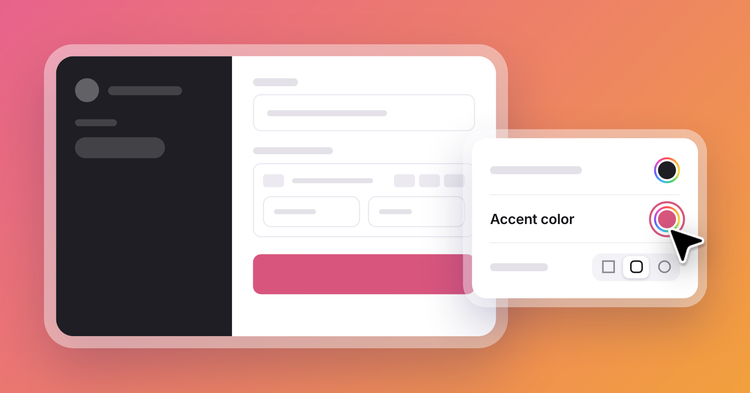
All official Ghost themes now include a share button out of the box. Readers can click to copy the post link, email the post to a friend, or share on social — with your post's title and link pre-populated in a draft, ready to publish in a single click.
The share modal works beyond themes, too. To trigger it from somewhere specific on your site, add a link to #/share on any post or page. Ghost opens the modal automatically, no extra code required.
Sharing from the inbox
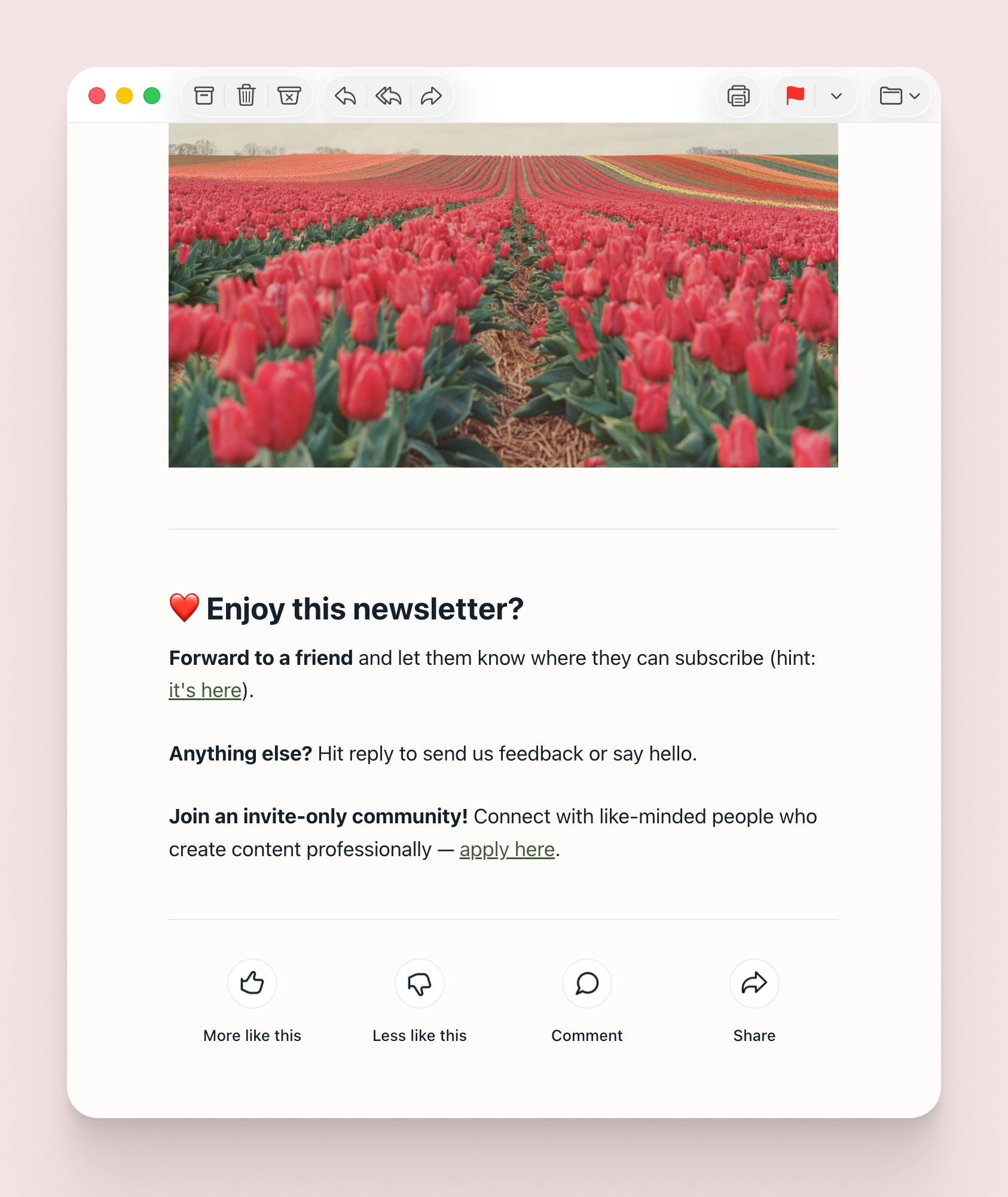
Readers can also reach the same share modal in one click from your newsletter. Toggle on the share option in your newsletter design settings, and every email ends with a link that takes readers to your post with the share options already open — giving your readers a direct path from inbox to sharing with their audience, without ever leaving the flow.
Theme support
This feature is supported by the latest versions of all official Ghost themes. To update, head to Settings → Theme → Change theme and select your current theme to update to the latest version.
If you're using a custom theme, check the developer docs to learn how to add support for this feature, or reach out to your theme developer for an updated version.
Ghost(Pro) users can log in and start enjoying all of this right away! If you're a developer, self-hosting Ghost, you'll need to update to the latest version to get access to everything that's new.
If there are ways you think this feature could be more valuable based on the way you use Ghost, we’d like to hear it. Let us know using the feedback link in the left sidebar of Ghost Admin.