Email sequences for new members
When we launched welcome emails earlier this year, we called it our first step toward a broader automation suite in Ghost. You've been telling us where to take it next ever since — and the most consistent ask has been the ability to send more than one email to new members over time.
Now that’s possible, in public beta.
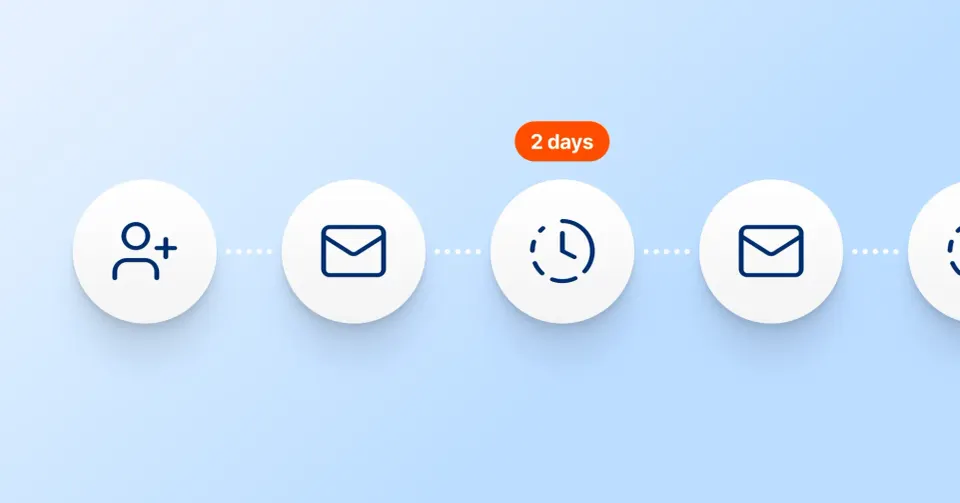
Instead of a single welcome email, you can build a flow that sends a series of emails to new members, spaced out over a timeframe you choose. Greet someone the moment they sign up, follow up a few days later with your best work, and check back a week after that — automatically, every time.
Building a sequence
Once the beta is turned on, a new Automations tab appears in the left sidebar, with two flows ready to go: one for new free members, and one for new paid members. Already using welcome emails? They move over automatically, so nothing you've built is lost.
Clicking into an automation opens the automation canvas — a drag-and-drop editor where you build your sequence from two actions: send an email, and wait for a set amount of time. More actions and triggers are on the way.
Writing your emails
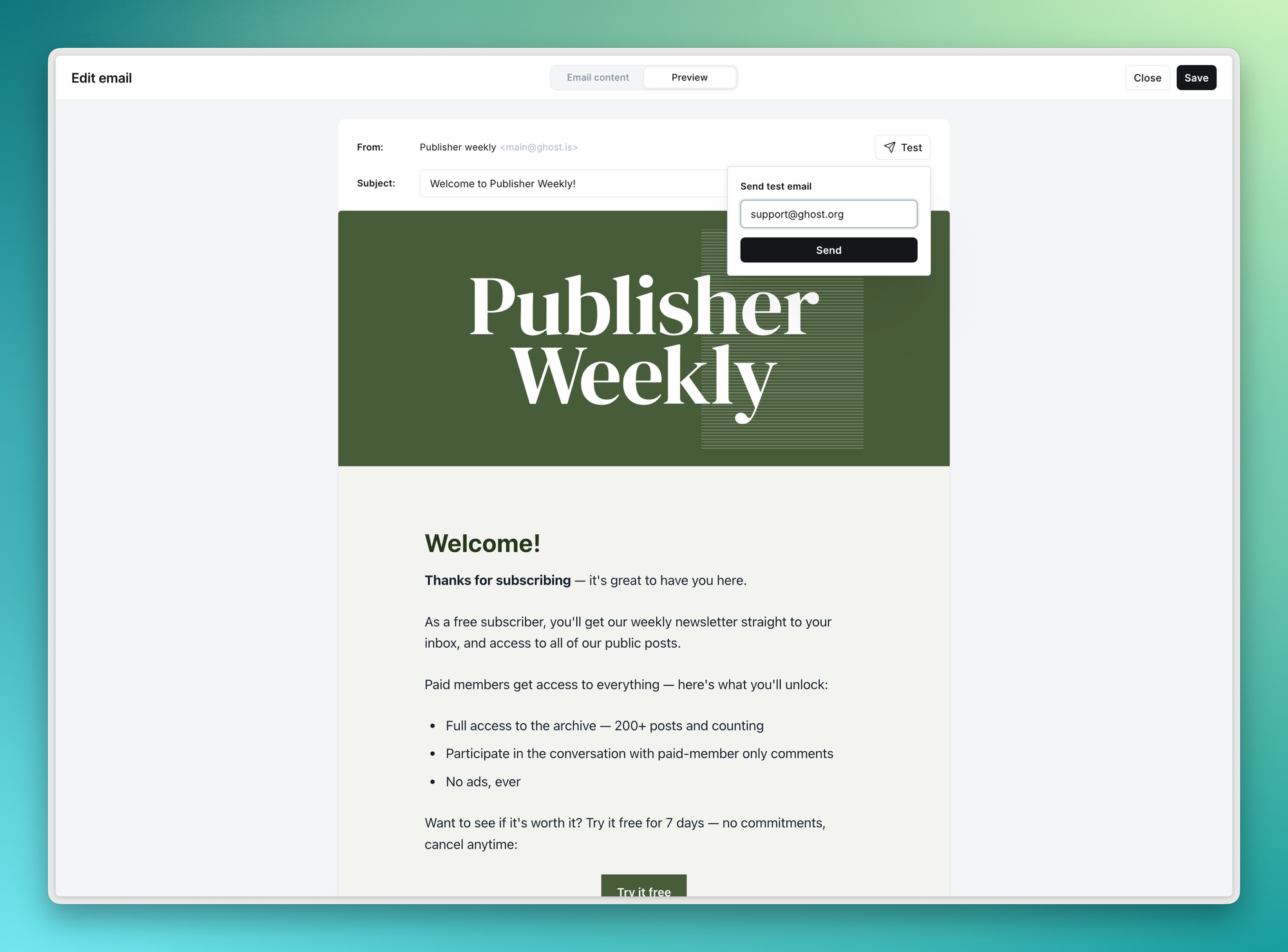
Every email is written with the full power of the Ghost editor, so your automated messages look like everything else you publish — images, buttons, bookmarks, callouts, HTML cards, all of it.
The automation email template also uses the same design controls as your newsletters, from colors and typography to headers and logos. Style it once, and that look applies across all your automated emails, keeping your brand consistent whether on your site, in your newsletters, or through a member's first week with you.
Members stay in control
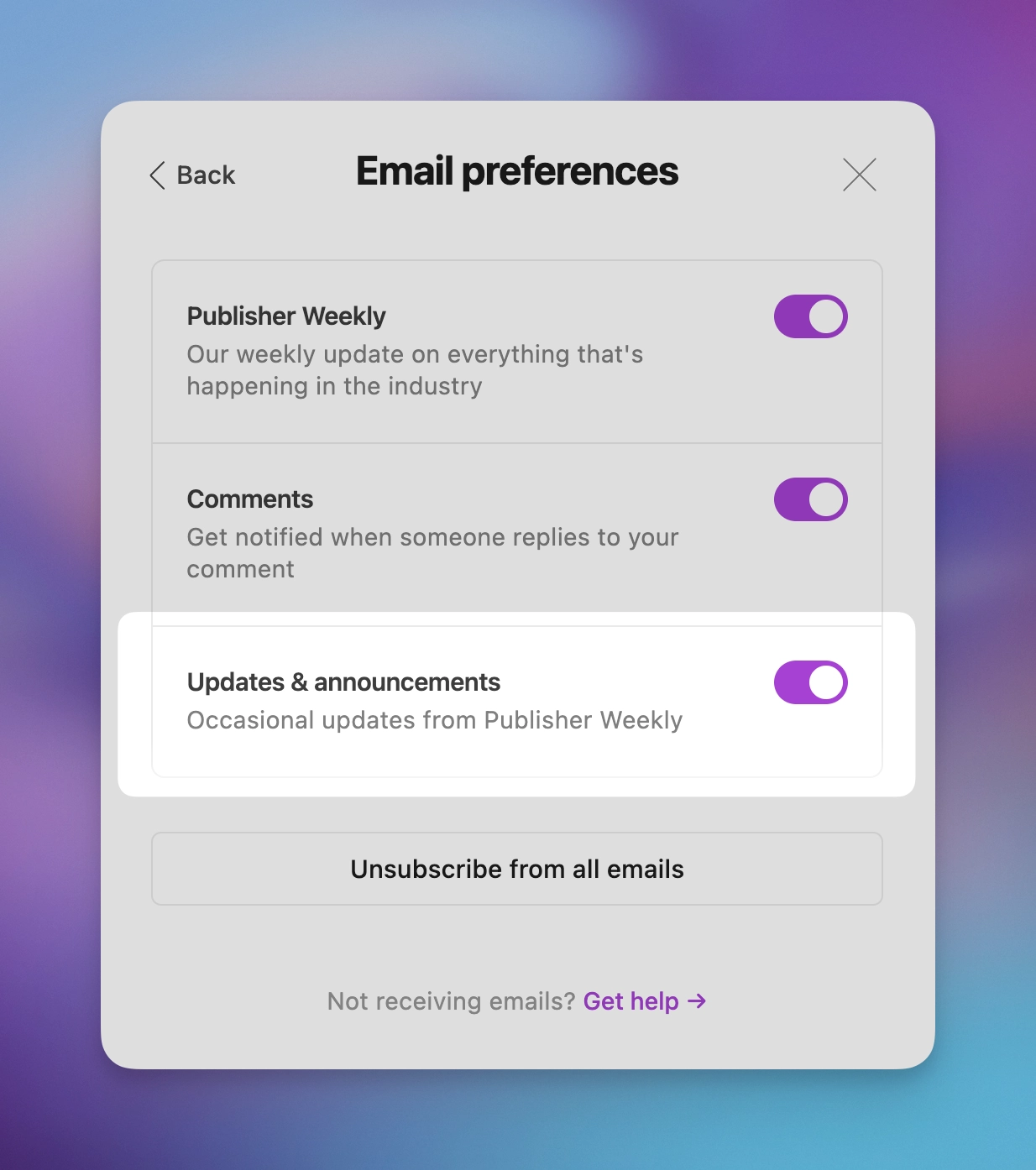
Members see a new Updates & announcements option in their email preferences, so they can opt out of automated emails without unsubscribing from the rest of your content.
Getting started
Email sequences live behind the Automations (beta) flag in Ghost, which is opt-in while we keep building. To start sending email sequences and get early access to new automation features as they ship, head to Settings → Labs and toggle on Automations (beta) at the top of the list.
What's next
From here, we'll be iterating quickly to bring in deeper analytics, more triggers, and more actions to enable the use cases that matter most for you — shaped directly by what you tell us.
As you get started, let us know what's working and what's missing by hitting Share your feedback at the bottom of the Automations screen, or the feedback link in the sidebar 🙏 👻
Ghost(Pro) users can log in and start enjoying all of this right away! If you're a developer, self-hosting Ghost, you'll need to update to the latest version to get access to everything that's new.