Your new admin toolbar
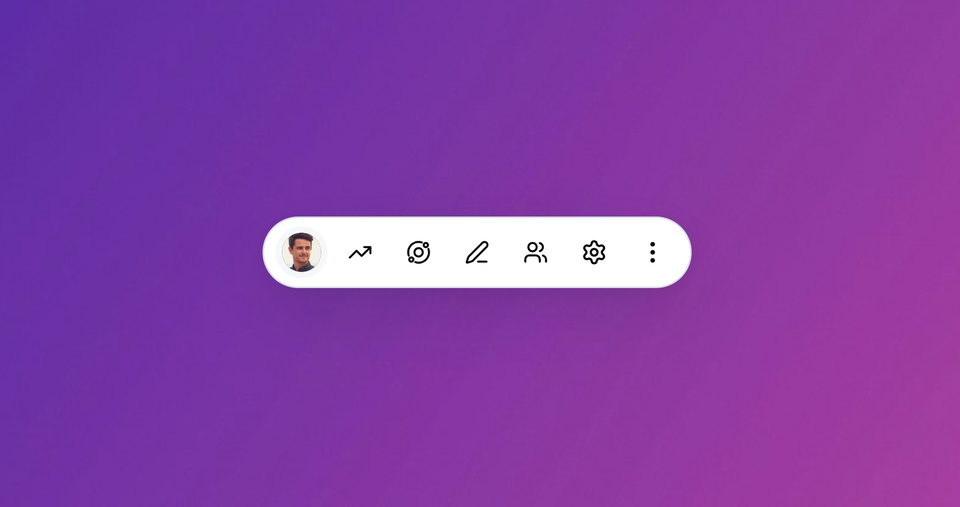
We've added a new admin toolbar for staff users to Ghost that shows up whenever you're browsing your website.
Now you can jump over to your admin panel, make quick edits if you spot a typo, view analytics, or access comment moderation. The toolbar automatically shows appropriate actions based on which page of the site you're currently on.
The toolbar is only ever visible to authenticated Ghost Admin staff users, and is otherwise hidden for all other visitors to your site.
To enable it, click the icon in Ghost Admin to open your website in a new window:
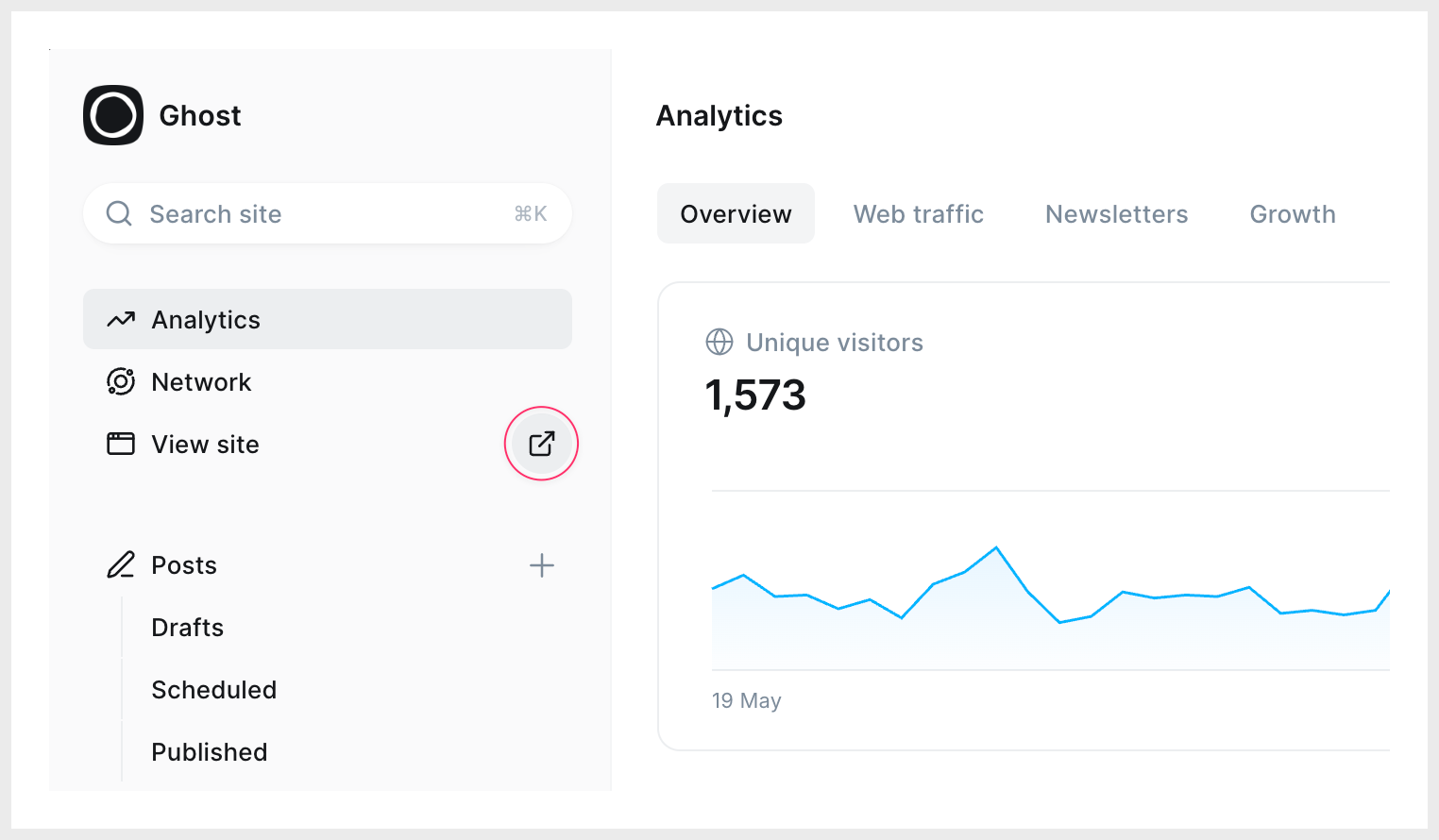
After that, the admin toolbar will automatically show up whenever you visit your site, unless you manually hide it again.
Footnote for Safari users: If the toolbar isn't showing up, you may need to uncheck "Prevent cross-site tracking" in Safari→Settings→Privacy, due to browser limitations.
Ghost(Pro) users can log in and start enjoying all of this right away! If you're a developer, self-hosting Ghost, you'll need to update to the latest version to get access to everything that's new.