Easy theme editing
One of the best things about Ghost is that you can completely customize how your publication looks and feels, to create a unique, distinctive brand around your work. There's a huge library of Ghost themes to explore, with options to suit just about any use case.
Until today, you could make simple design setting changes directly in Ghost, but for more advanced changes to your theme's code, you'd need to download a zip file, open the theme in a code editor on your computer, save, and upload it back to Ghost again.
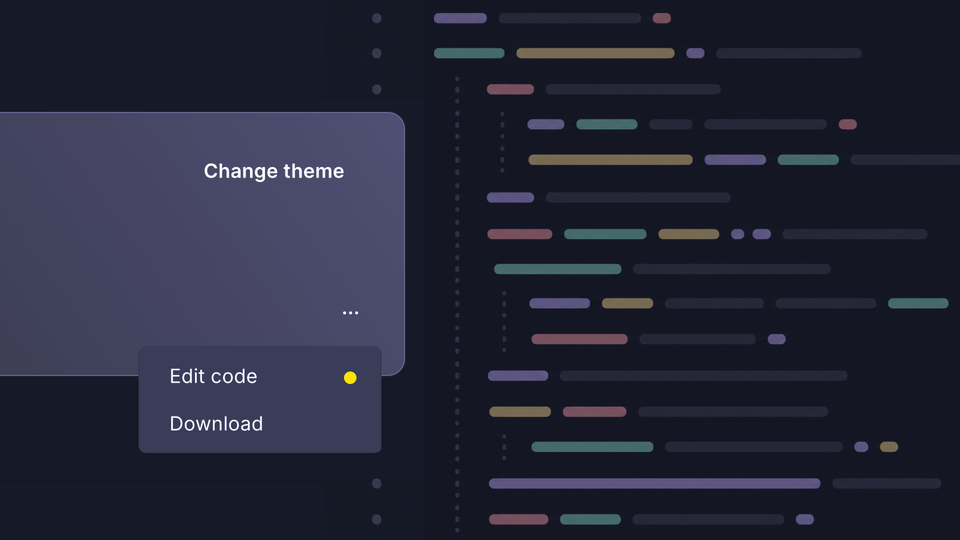
Now, you can just click on "Edit code" directly in Ghost and make changes to your theme files, right in the browser.
This feature was created by Ghost community member Murat Çorlu, who came up with a fantastic implementation to solve this problem, and shared his work in the Ghost developer forum:
 muratcorlu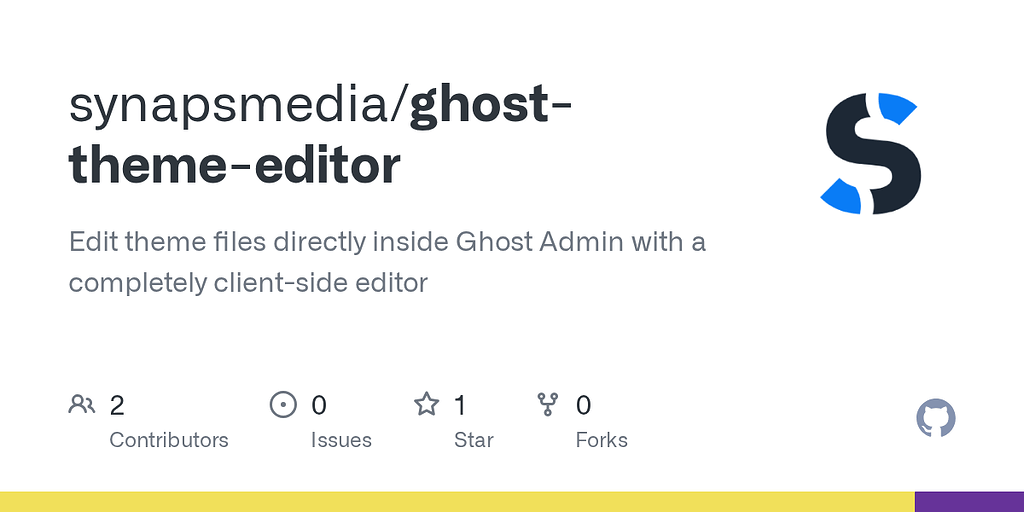
One of the most powerful things about open source is that if the software you use doesn't work the way you want, you can change it!
Ghost(Pro) users can log in and start enjoying all of this right away! If you're a developer, self-hosting Ghost, update to the latest version to get access to this and everything else that's new.