Expanding your social presence
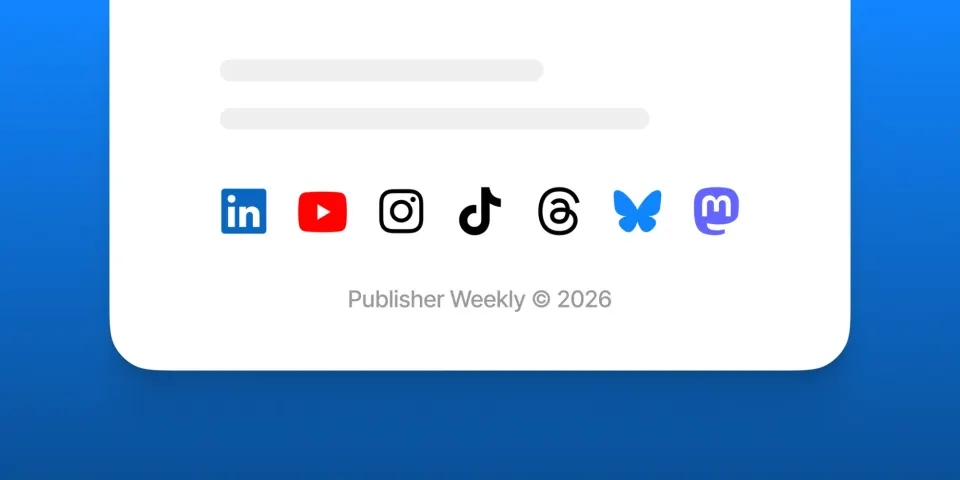
The social platforms that matter aren't the same for every publication. For one it's Bluesky, for another it's YouTube — what’s important is pointing readers to the places where you and your audience actually connect.
While Ghost has always supported X and Facebook by default, adding any other social profiles required editing your theme.
Now, in the Social Account settings for your site, you'll also find LinkedIn, Bluesky, Threads, Mastodon, TikTok, YouTube, and Instagram — letting you send your audience to the places that makes sense for how you work.
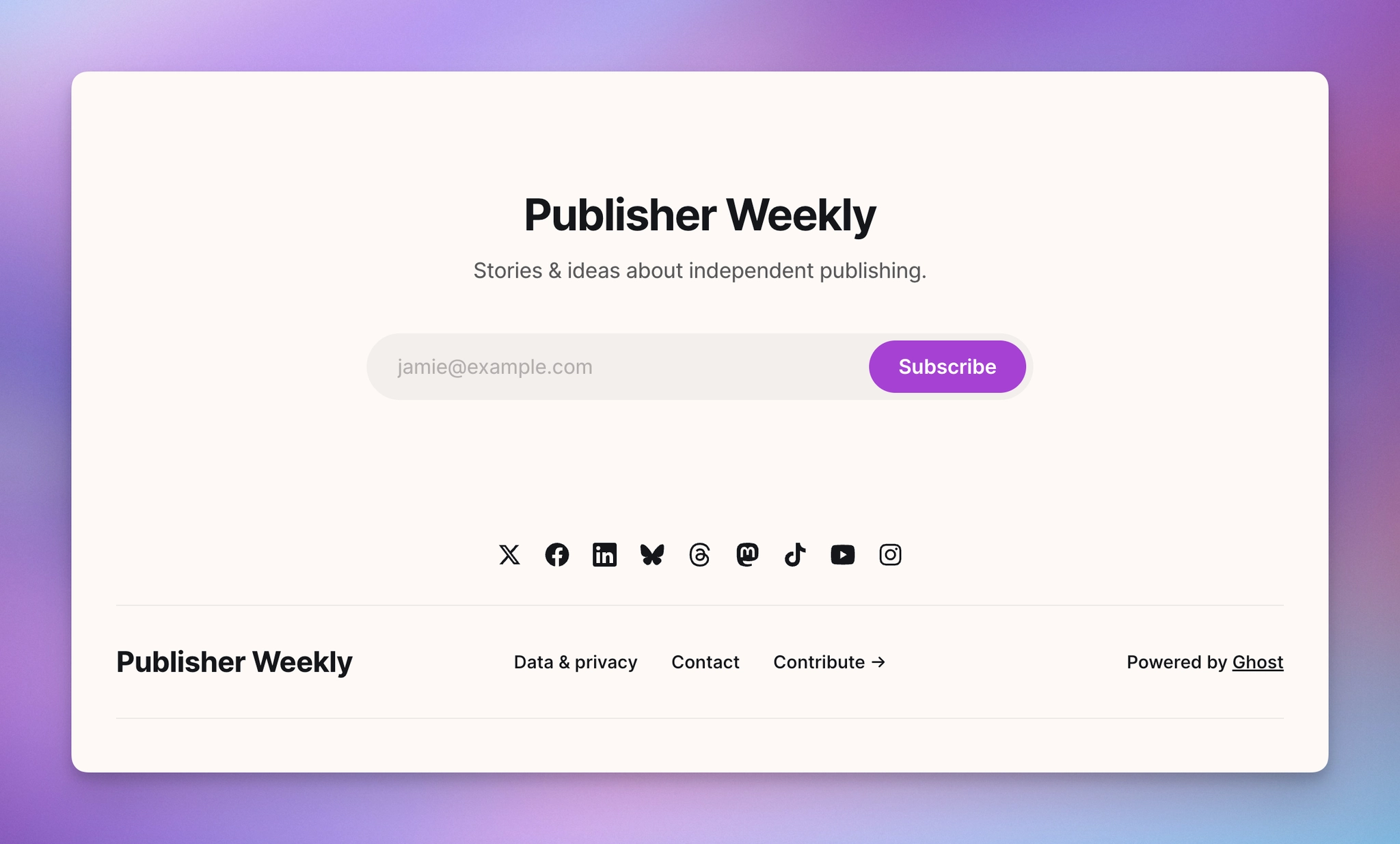
Links to the new social profiles are supported in the latest version of every official Ghost theme. To pick them up, head to Settings → Theme → Change theme and reinstall your theme to update to the latest version.
Using a custom theme? Check the developer docs to add support, or reach out to your theme developer for an updated version.
Bring your social web followers to Ghost
Beyond linking to external social accounts, Ghost automatically gives your publication a profile on the social web — letting millions of people discover, like, and reply to your posts across platforms like Ghost, Bluesky, Threads, Mastodon, Flipboard, WordPress, and many more.
As the network has grown, a request we've heard from you is that you'd like a way to bring the following you built elsewhere over to Ghost, without making everyone find and re-follow you.
Now you can move your followers from another social web account, like Mastodon, to your Ghost publication's profile — so your whole audience lives in one place, under one account.
Head to Network → Preferences → Account migration to get started bringing everyone together.
Ghost(Pro) users can log in and start enjoying all of this right away! If you're a developer, self-hosting Ghost, you'll need to update to the latest version to get access to everything that's new.
If there are ways you think these features could be more valuable based on the way you use Ghost, we’d like to hear it. Let us know using the feedback link in the left sidebar of Ghost Admin.