Comment threads, votes and pins
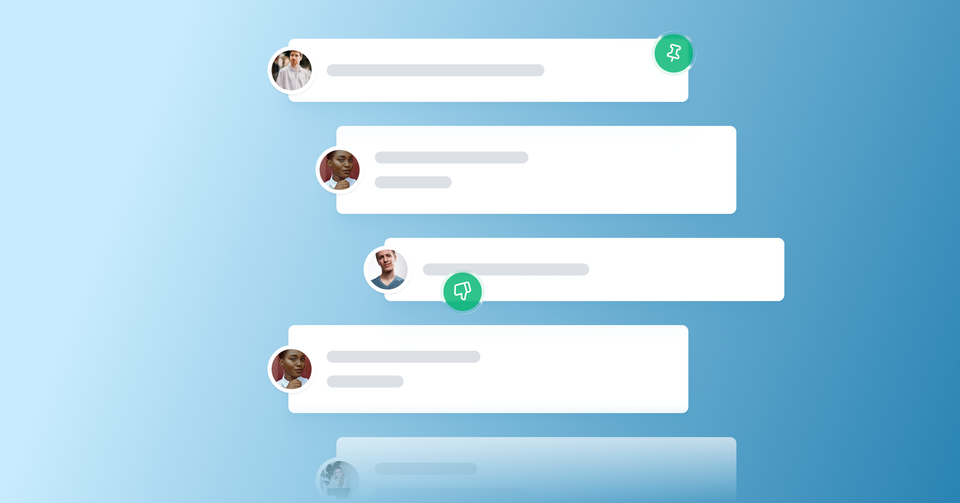
Across Ghost, comment sections are becoming home to richer conversations between members of your community. Your readers return, recognize familiar voices, and build on earlier ideas — turning quick exchanges under a post into ongoing conversations.
As those conversations grow, the tools around them need to keep up. You told us where things were getting in the way — replying to threads was confusing, sorting didn’t always surface the best comments, and you wanted a way to highlight the one comment everyone should read first.
So we've shipped three improvements to make conversations on your posts flow more naturally and stay easier to manage.
Deeper threading
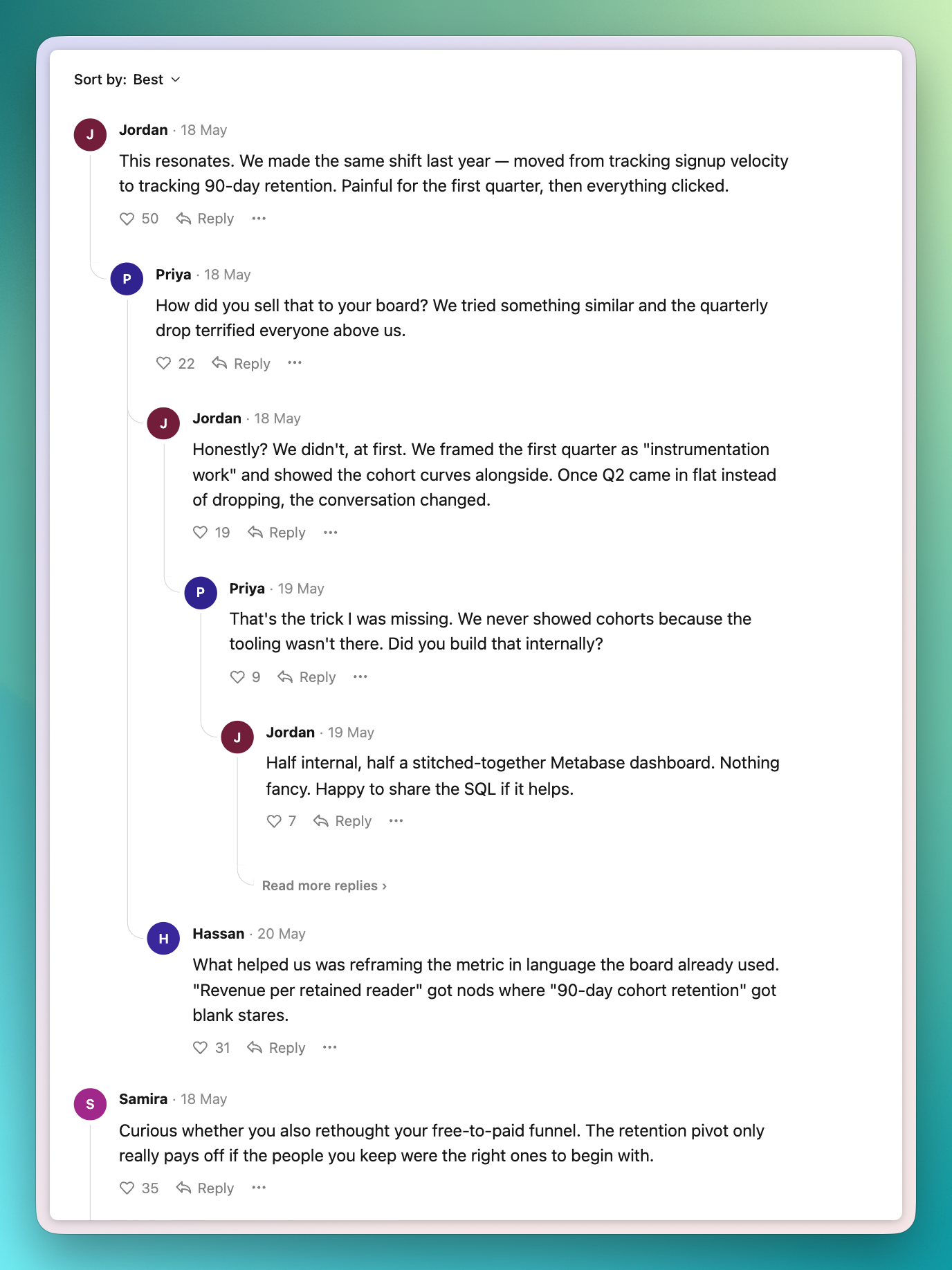
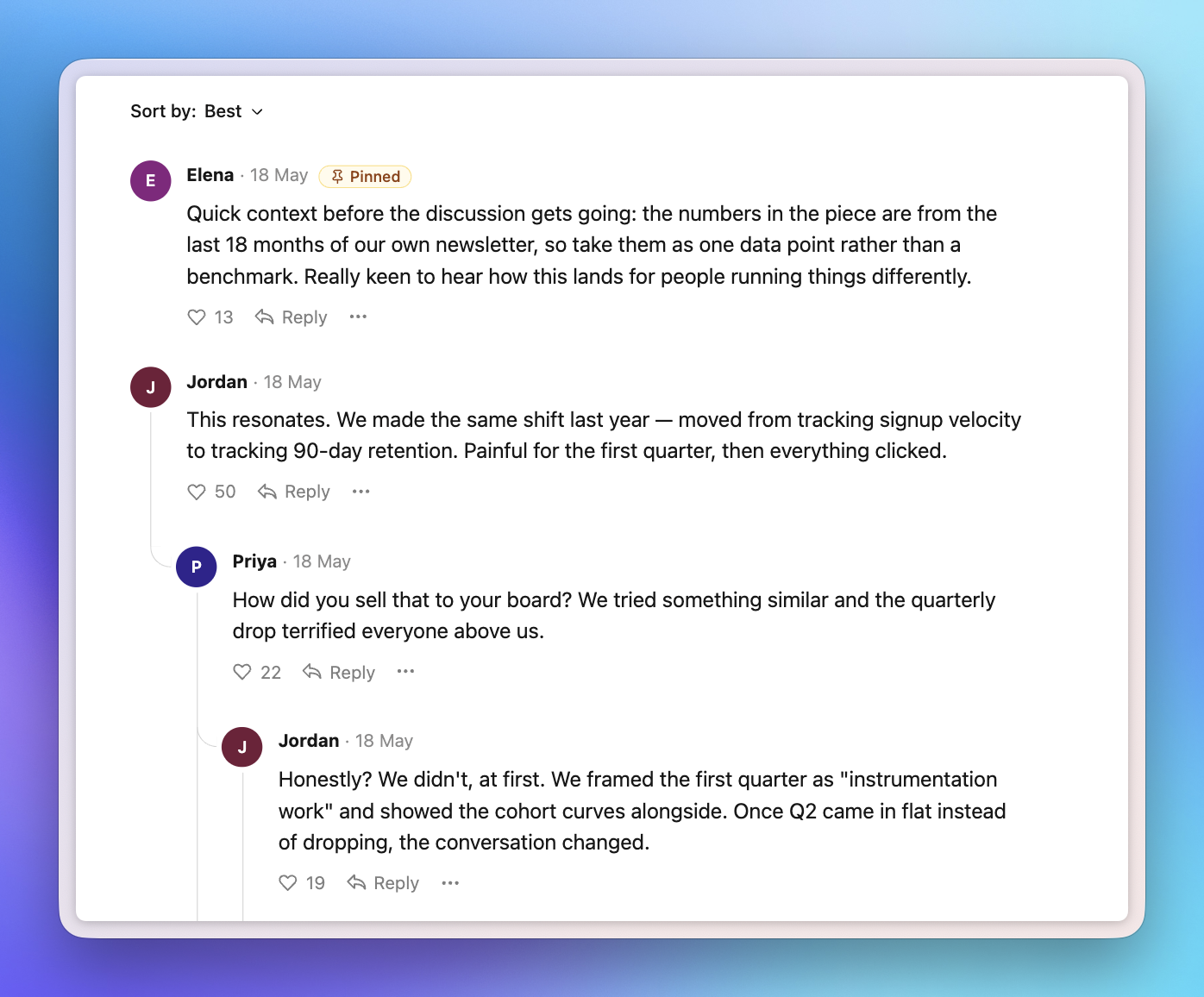
Replies used to stop nesting at the second level, which made longer threads harder to follow right as they got interesting. Now threads can go deeper, so it's always clear who's replying to whom and sub-conversations can play out the way they naturally would.
Once a thread reaches a certain depth, it opens into a focused view. That keeps your main comment section clean while still giving longer back-and-forths room to breathe.
Likes and dislikes
Many of you wanted a better way to surface your highest-quality comments and to let readers express healthy disagreement. So alongside likes, there's now a dislike button.
Your default "best" sorting takes dislikes into account, floating top-level comments with the highest net score to the top, while replies stay chronological so conversations still read in order.
Dislikes stay private to keep your community comfortable speaking up. Only the reader who clicked it sees their own action, while you see the full picture on your moderation dashboard — giving you a feel for the tone of conversations and which topics divide your audience.
Pinned comments
Sometimes one comment deserves to lead the conversation — a piece of context readers need, or a strong starting point for discussion. Moderators can now pin a comment to the top of any thread.
Pin directly from the comment section on a post, or from the comments dashboard in Ghost Admin, wherever you happen to be moderating.
Ghost(Pro) users can log in and start enjoying all of this right away! If you're a developer, self-hosting Ghost, you'll need to update to the latest version to get access to everything that's new.
If there are ways you think these features could be more valuable based on the way you use Ghost, we’d like to hear it. Let us know using the feedback link in the left sidebar of Ghost Admin.